🔑 Software keys sent via WhatsApp or E-mail within 24 hours (1 Day) ! ⏳ If not received, Contact us! ! 📬

 Recently Updated
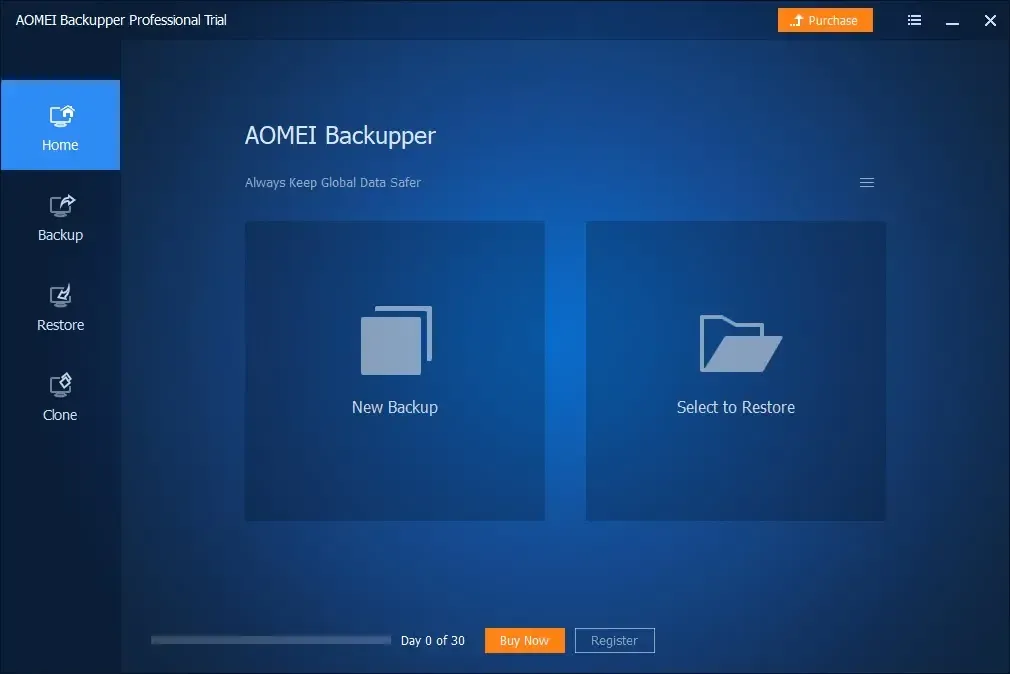
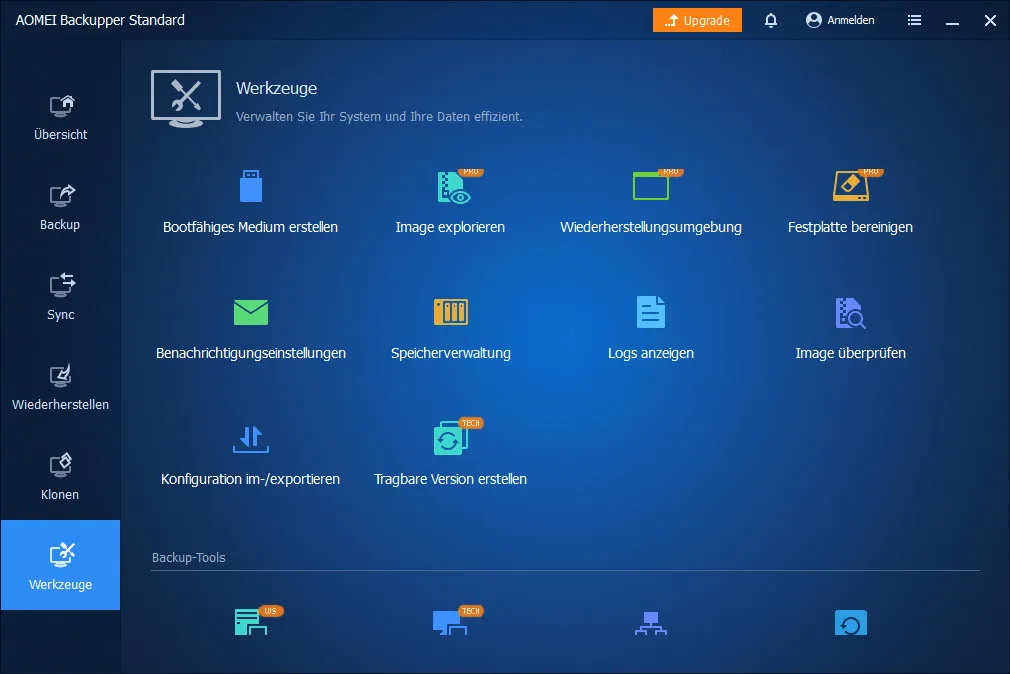
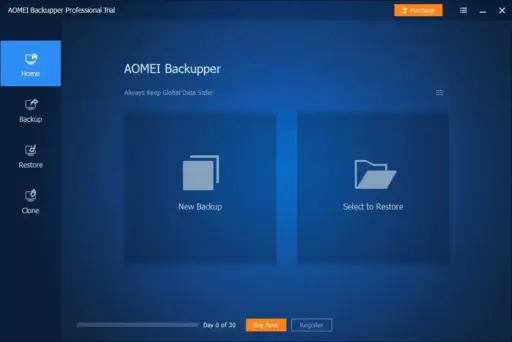


AOMEI Backupper Professional is something we offer to everyone at Elements Keys. Our prices are the best around for real license keys, so you can protect your Windows files without spending a lot of money.
This strong backup tool is made to protect your files, folders, and system easily. AOMEI Backupper Professional gives reliable, automated, and flexible choices for backing up and restoring data for 1 Year, no matter what you do, whether you’re a professional, a student, or someone who uses it at home.
You can be sure you won’t lose your data or system due to hardware problems or software corruption if you use the latest versions of Windows, such as Windows 11.
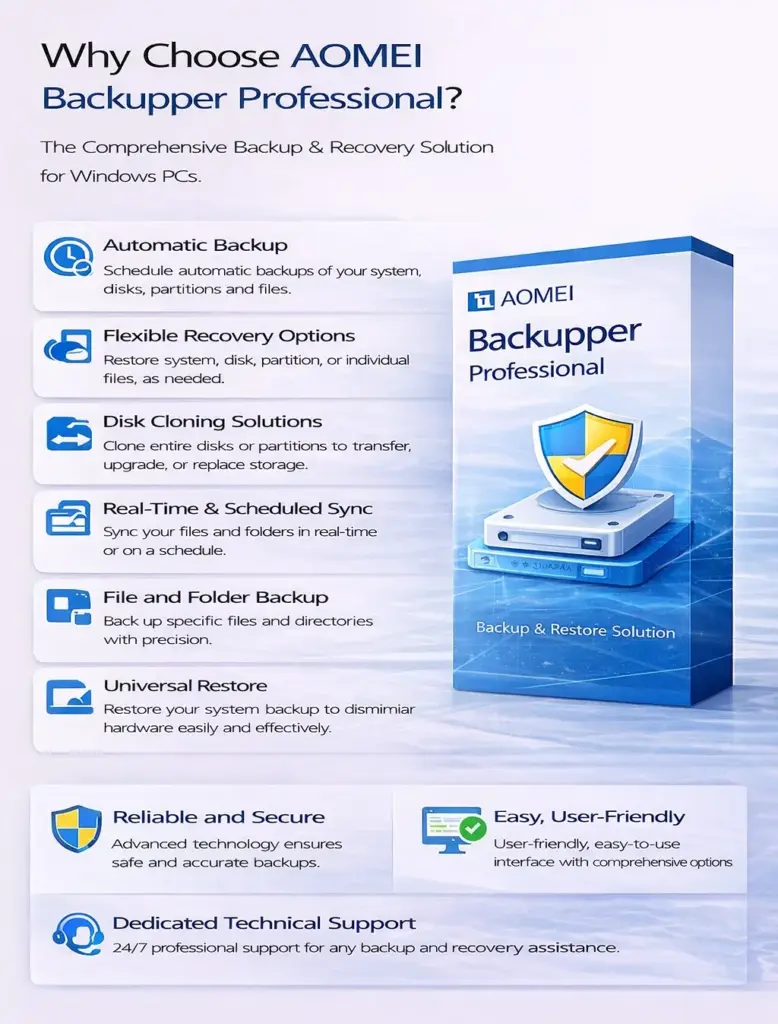
Key Features:
All-In-One Backup Solutions:
- Backup Files: Make sure important files and groups are saved on more than one storage device. You can set backup schedules by hand or automatically.
- Disk Backup: For full data safety, back up whole discs or several drives at the same time.
- System Backup: Protect the Windows operating system and the partitions that are linked to booting. This makes sure that updates to the system are safe and that recovery goes smoothly.
- Partition Backup: This feature can back up specific sections, even dynamic disc volumes, to make sure that important data is safe.
Sync Options:
- Basic Sync: For exact copy, mirror files from the source to the target directory.
- Real-Time share: You can keep track of changes right away and share files that have been changed or newly added.
- Mirror Sync: Changes or deletions are reflected in both the source and target directories.
- Two-Way Sync: Always keep the source and target folders the same.
Cloning That Is Safe and Works Well:
- Disk Clone: This tool can smoothly clone entire drives to replace discs that are old or not working properly.
- System Clone: Move the operating system, loaded apps, and system files to new hardware.
- Partition Clone: This can move specific partitions quickly and can work with dynamic disc drives.
Useful All-Around Safety Tips:
- Backup Plan: Make changes to retention rules so that storage is used properly.
- Dissimilar Hardware Restore: Restore backups on computers with different hardware that don’t have any problems with compatibility.
- Make Bootable Media: This gets computers back up and running in emergencies.
- Extra Features: Pre/post commands, email alerts, backup job handling, and image handling to make things easier.
Reasons to Purchase From Us?
- AOMEI Backupper Professional license keys that are completely real
- Delivered right away through email or WhatsApp
- Cheapest prices compared to other resellers and legal sources
Device Requirements:
- Windows 11, 10, 8.1, 8, 7, Vista, XP (32 & 64-bit)
- Minimum 1GB RAM (2GB recommended)
- 500MB free hard disk space for installation
- Internet access for license activation
Redemption Guide:
- On your Windows computer, install AOMEI Backupper Professional.
- To activate the program in 1 PC, you need to enter the license key when you install it or when you first launch it.
- To finish activating, do what the screen tells you to do.
Comparison Table:
| Feature | AOMEI Backupper Professional | EaseUS Todo Backup | Macrium Reflect |
| File Backup | Yes | Yes | Yes |
| Disk/Partition Backup | Yes | Yes | Yes |
| Real-Time Sync | Yes | Limited | Limited |
| System Clone | Yes | Yes | Yes |
| Dissimilar Hardware Restore | Yes | Limited | Yes |
| User-Friendly Interface | Yes | Yes | Moderate |
FAQs:
Is AOMEI Backupper Professional good for home users and businesses?
Yes, it was made to be used both at home and at work.
What do I need to do to receive my licence key after I buy it?
Elements Keys sends licence keys through WhatsApp or email.


Reviews
Clear filtersThere are no reviews yet.