🔑 Software keys sent via WhatsApp or E-mail within 24 hours (1 Day) ! ⏳ If not received, Contact us! ! 📬

 Recently Updated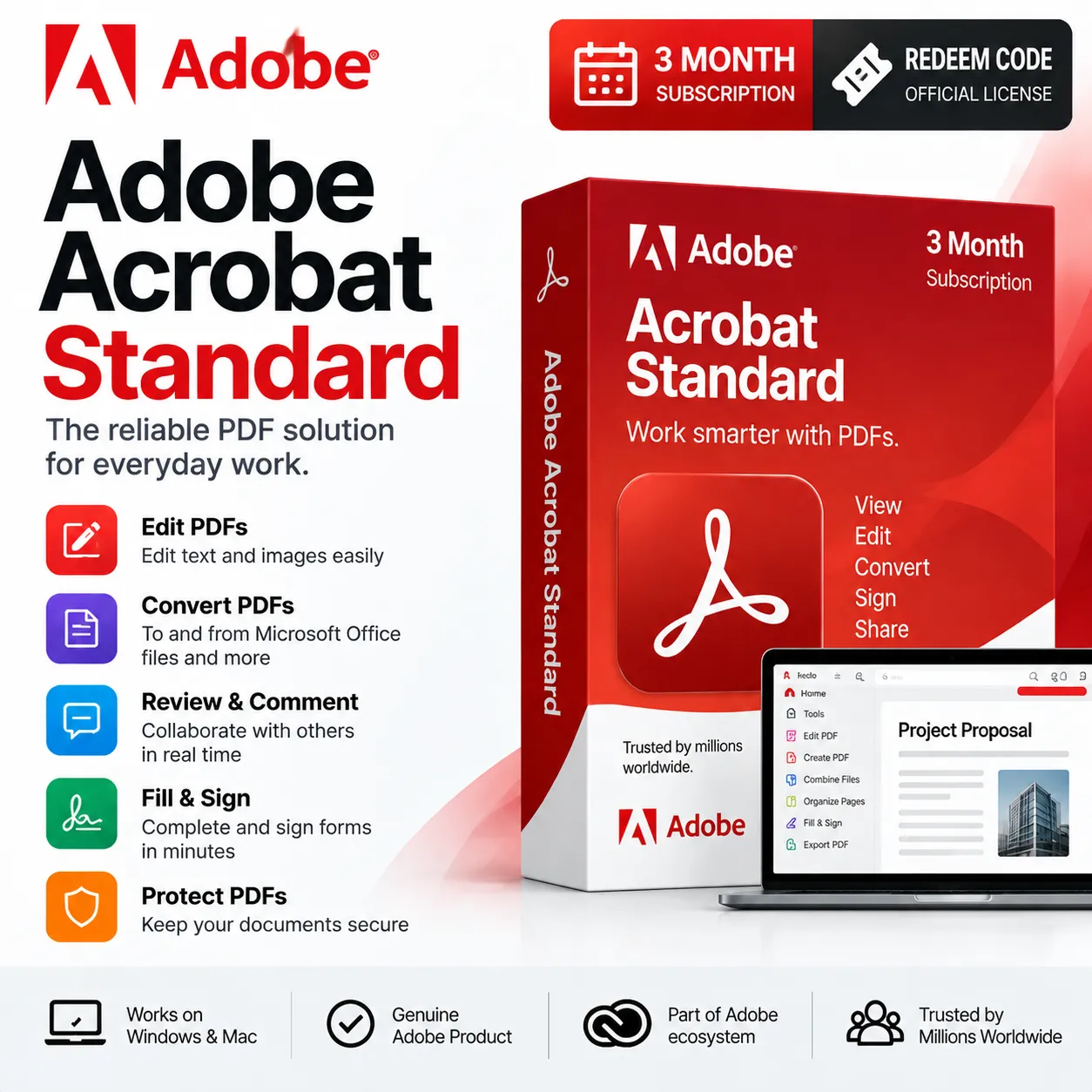
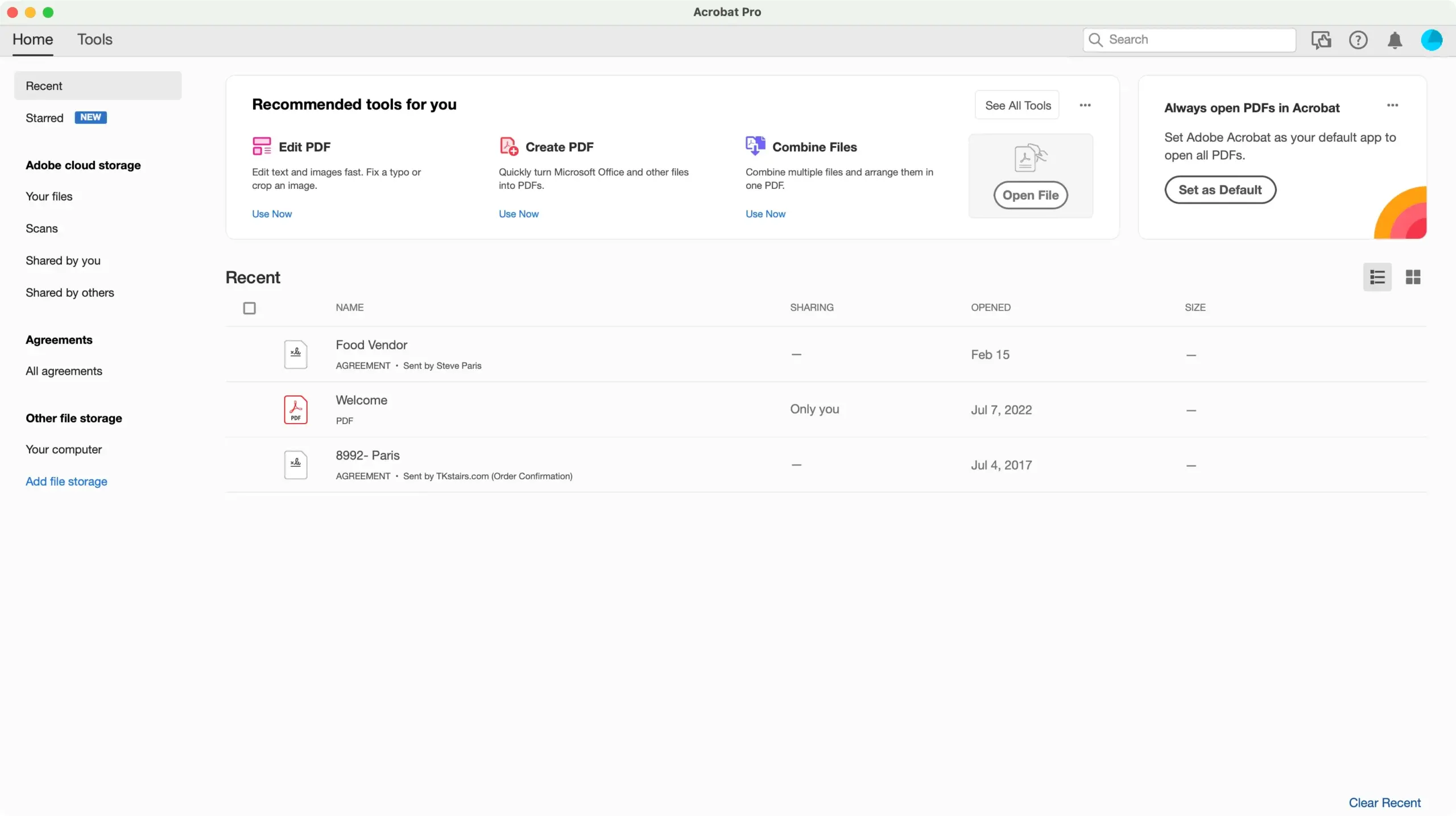
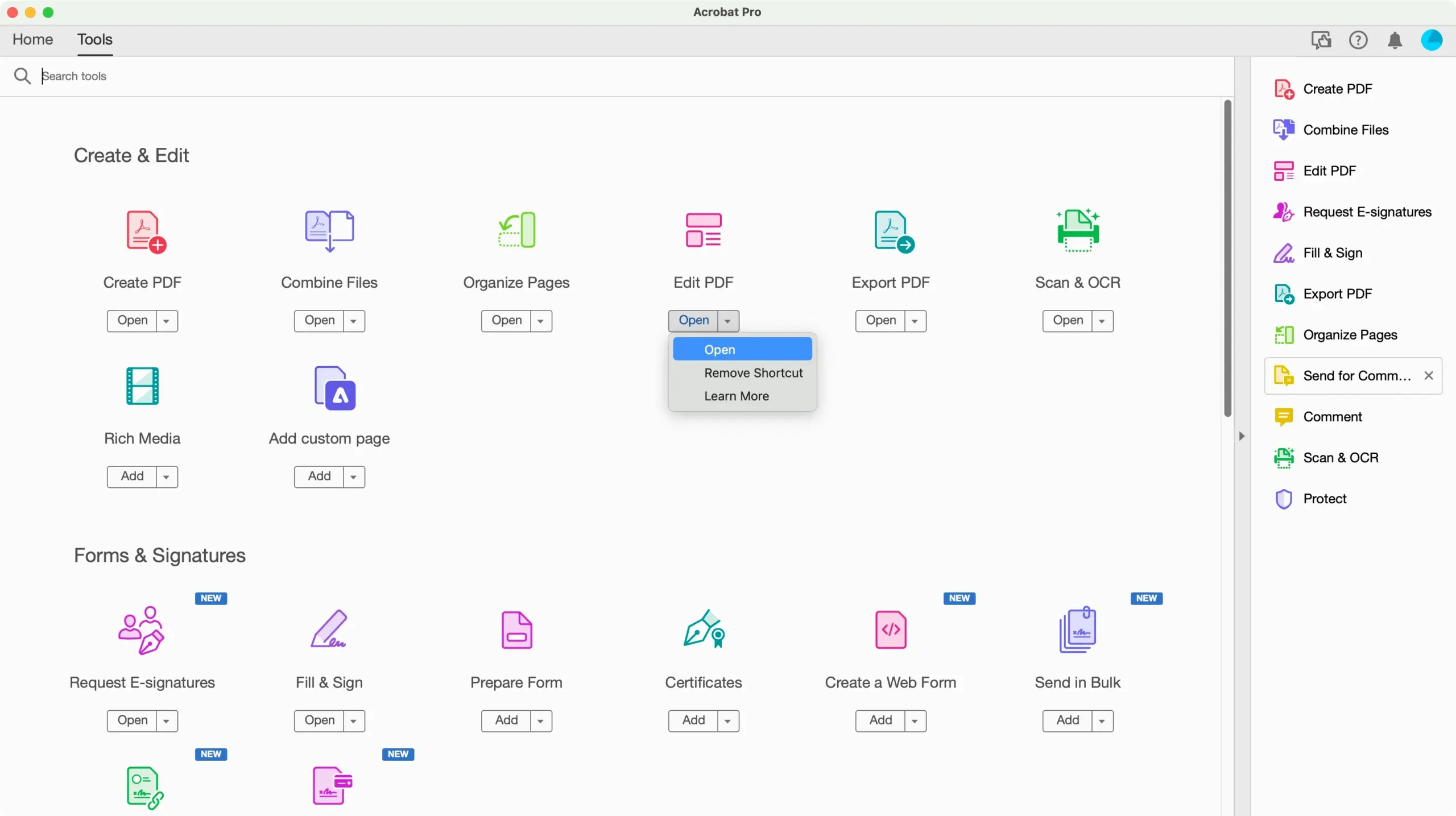
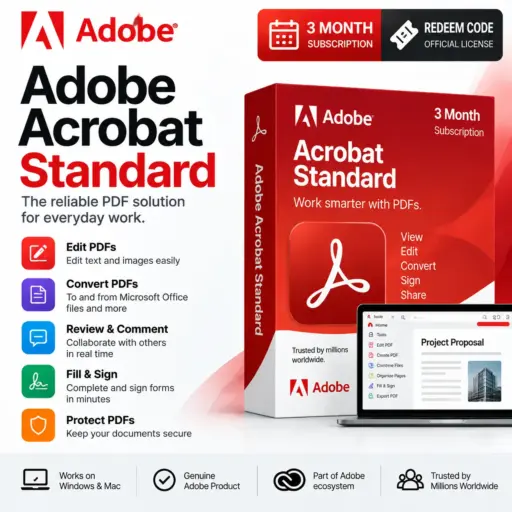
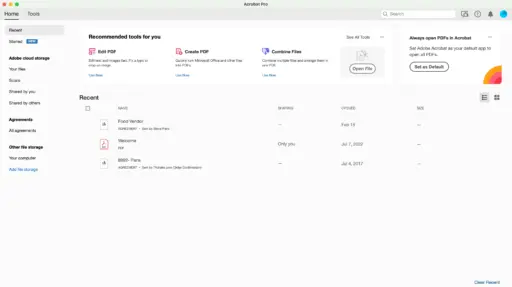
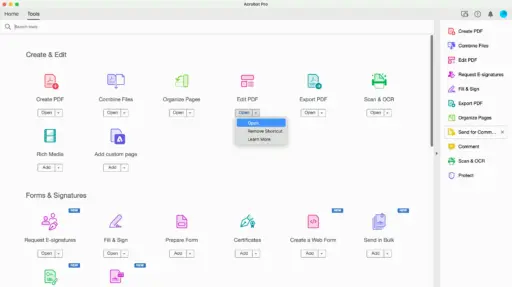


Adobe Acrobat Standard is a PDF tool designed for people who frequently work with PDF files. With this 3-month subscription code, you can edit PDFs, convert documents into formats, move pages around, add notes, fill in forms, sign papers, and make sure important documents stay safe. It is a choice for students, workers, people who work on their companies, and anyone who needs reliable tools to edit PDFs and manage documents for a short period of time.
Key Features:
- Edit PDF Files Easily: Make changes directly 1to your PDF documents without having to start over and create the file again. You can edit text, update details, change images, and make important changes.
- Convert Documents: Turn supported documents and files into PDF format. Also, when needed, you can export PDFs into editable formats.
- Fill and Sign Forms: Complete digital forms, enter the information that is required, and sign documents electronically. This makes dealing with applications, agreements, forms and other paperwork much easier.
- Organise PDF Pages: Keep your documents in order by moving pages, removing pages that are not needed, adding new pages, or putting multiple files together into one PDF.
- Comment and Review: Add comments, highlight parts, write notes. Make other kinds of annotations to make reviewing documents simpler. This can be very helpful for students, teams, clients, and office workers.
- Protect Your Documents: Use the security features of PDF to help keep documents safe. You can add password protection. Set restrictions to stop unauthorised changes or access
Why Buy Adobe Acrobat Standard 3 Month Subscription?
A 3-month subscription is an option when you need professional PDF tools for a short-term project, academic work, office assignment, business requirement, or temporary workflow.
Instead of using many different PDF applications, Acrobat Standard puts all the important features in one place. You can edit PDFs, convert files, sign documents, organize pages, and protect your content—all in a solution.
Why Choose Adobe Acrobat Standard From Us?
- Real redeem code
- Digital product sent electronically
- Simple activation process
- redemption steps
- Convenient 3‑month plan
- Good for both home and work use
- Reasonable price
- Help available for activation issues
- No physical item needed
How to Redeem Adobe Acrobat Standard 3 Month Code?
- Buy the Adobe Acrobat Standard 3 Month Redeem Code.
- You will get an activation code in your email or a download link.
- Log in to your Adobe account on the website.
- Go to the Adobe redemption page.
- Type in the redemption code that you received.
- Follow each step shown on the screen.
- Finish the activation process by confirming all details.
- Sign in to Adobe Acrobat with your activated account.
- Begin using all the features in Adobe Acrobat Standard.
Comparison Table:
| Feature | Adobe Acrobat Standard | Foxit PDF Editor |
| Product Type | PDF Editing & Management Software | PDF Editing & Management Software |
| PDF Viewing | Yes | Yes |
| Create PDF | Yes | Yes |
| Edit PDF Text | Yes | Yes |
| Edit PDF Images | Yes | Yes |
| Convert Files to PDF | Yes | Yes |
| Convert PDF to Other Formats | Yes | Yes |
| Combine Multiple PDFs | Yes | Yes |
| Organise PDF Pages | Yes | Yes |
| Insert & Delete Pages | Yes | Yes |
| Rearrange Pages | Yes | Yes |
| Fill PDF Forms | Yes | Yes |
| Electronic Signatures | Yes | Yes |
| Comments & Annotations | Yes | Yes |
| Highlight & Notes | Yes | Yes |
| Password Protection | Yes | Yes |
| PDF Sharing | Yes | Yes |
| Document Collaboration | Yes | Yes |
| OCR Support | Limited/Plan dependent | Yes |
| Advanced PDF Editing | Standard tools | Advanced tools |
| PDF Comparison | Limited | Yes |
| Redaction Tools | Limited | Yes |
| Document Security | Yes | Yes |
| Cloud/Online Features | Yes | Yes |
| Interface | Simple & familiar | Feature-rich |
| Best For | Everyday PDF editing | Advanced PDF editing |
| Ideal Users | Students, professionals & home users | Businesses, professionals & power users |
| Subscription | 3 Months | Depends on selected license |
FAQs:
Yes. You can edit PDF documents as long as they are supported by the software.
Yes. You can fill in forms. Add electronic signatures to PDFs that are supported by the program.
Yes. The software includes features to help you organize and combine PDF files into one document.
The subscription lasts for three months after you redeem the code successfully. It follows the terms of the code you purchased.
Yes. You must have an Adobe account to redeem the subscription and use the service.
No. This is a code only. There is no disc or box delivered. You get a code to activate your subscription.


Reviews
Clear filtersThere are no reviews yet.