🔑 Software keys sent via WhatsApp or E-mail within 24 hours (1 Day) ! ⏳ If not received, Contact us! ! 📬

 Recently Updated
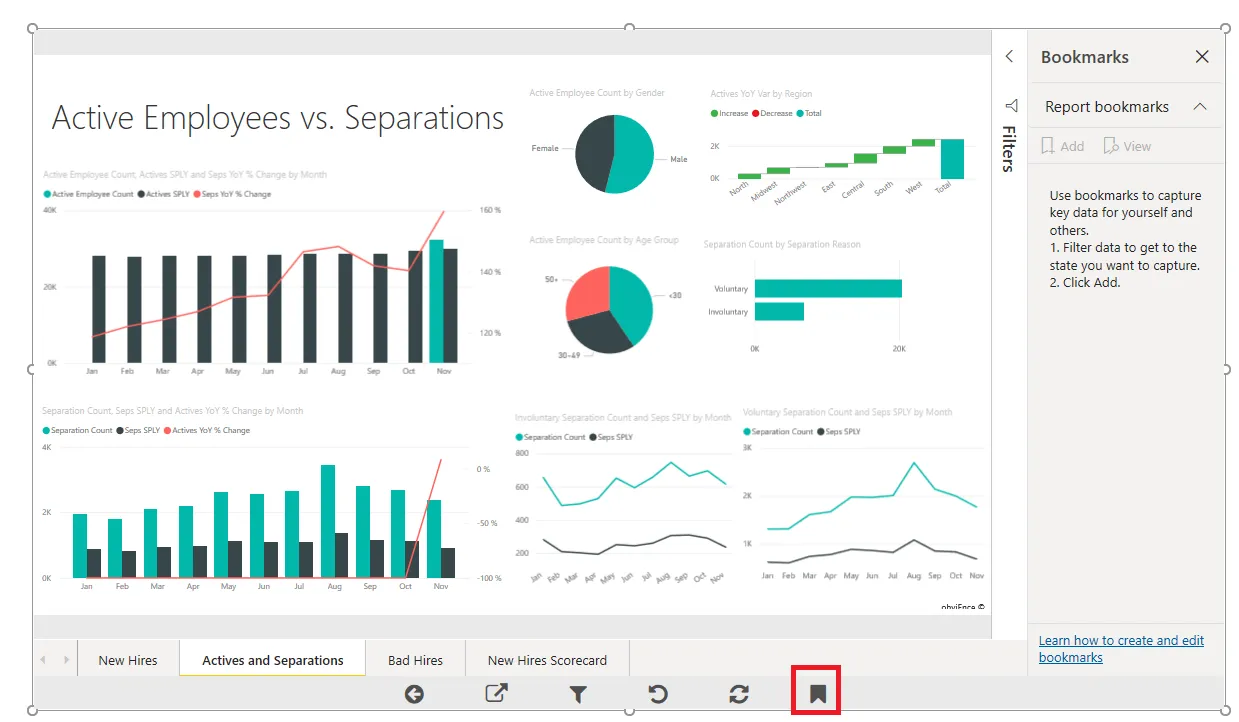
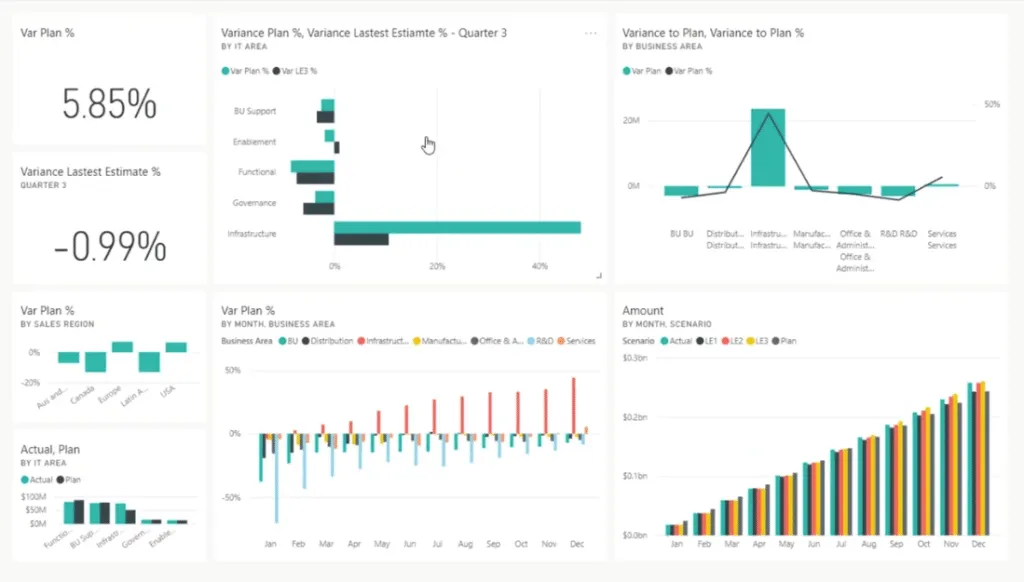
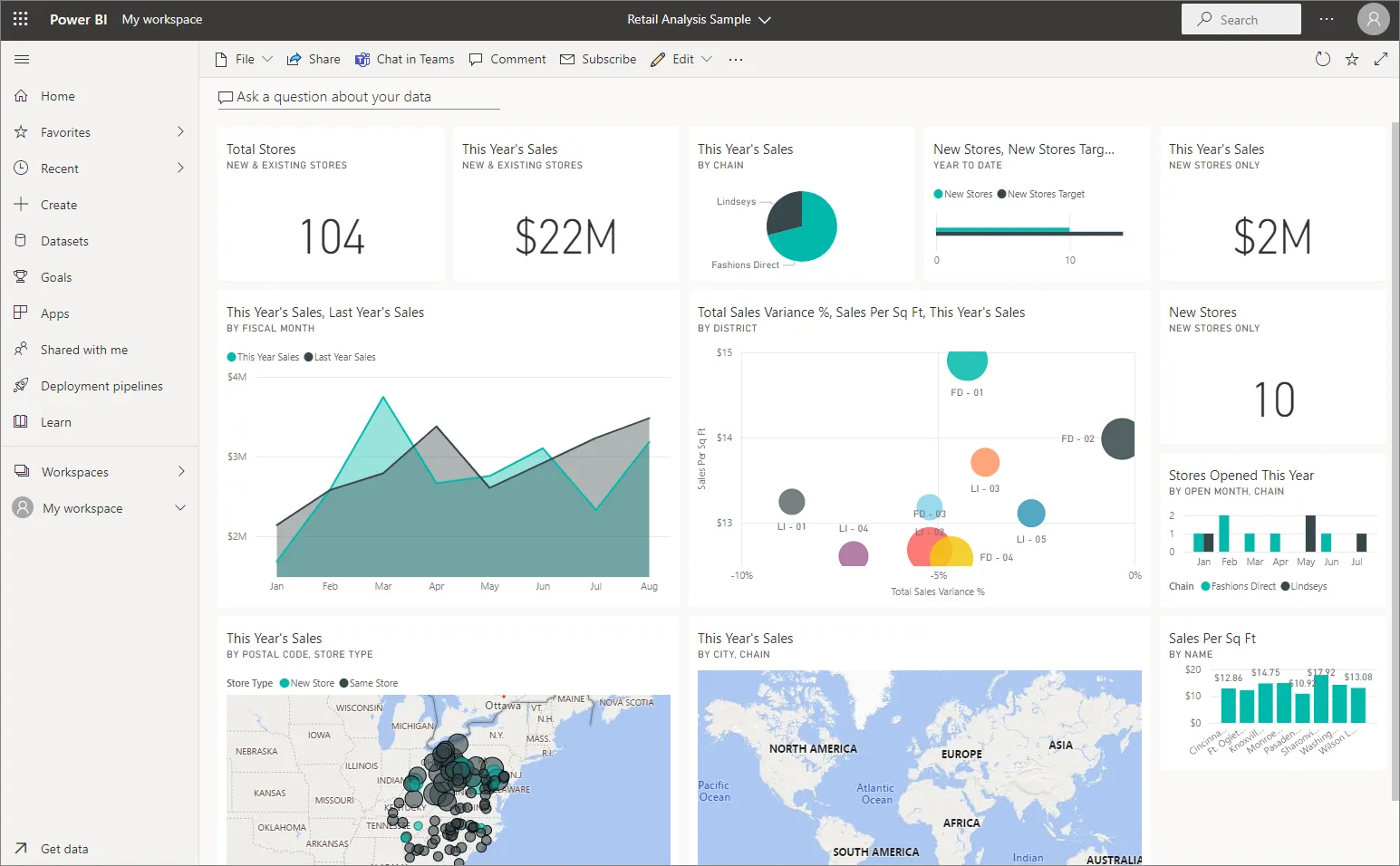
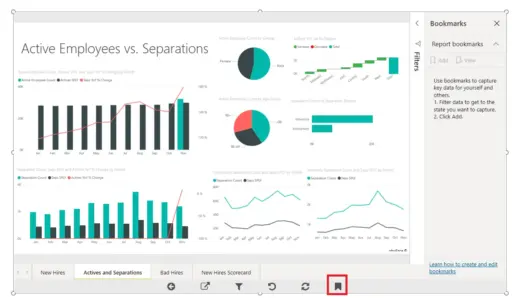
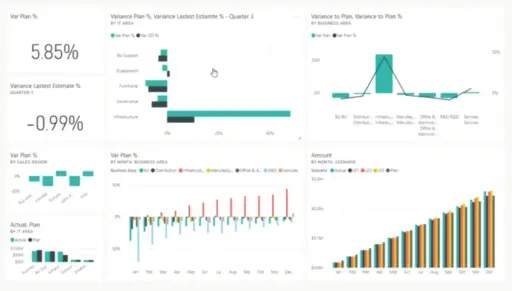
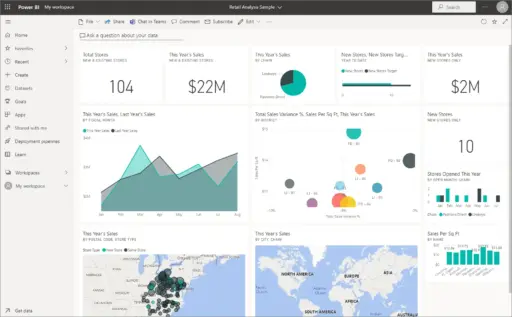


Power BI 2019 Pro Plus refers to the Microsoft Power BI. It provides business analytics tools to analyse, visualize, and share their data.
It is the specific version of Power BI Desktop that can be used for creating reports and visualizations on their free desktop. It allows access to users to connect with multiple data sources, transform data, create reports, and publish reports to the Power BI service. It is the paid version that offers a free version of Power BI.
Key Features:
Power BI Pro comes with a good and best feature that helps users to make the most of their data. Here are more features of Power BI 2019 Pro Plus.
- Data connectivity: Power BI helps to connect with a wide range of data sources, including cloud services, databases, and Excel files. It also allows you to create live connections with your data for Real-Time reporting.
- Advanced Visualizations: This feature comes with advanced visualizations that help users create reports using built-in tools like bar charts, pie charts, and maps, which help to visualize from the Power BI marketplace. You can use these visuals to make them fit according to their needs.
- Collaboration & Sharing: With these features, you can easily share data and dashboards with your colleagues and external users. You can update your report in real-time, which helps others to see updates and changes in the data.
- Advanced Analytics: It comes with advanced AI features like AutoML for machine learning and integration with Cognitive Services for image and text recognition.
- Power BI Gateway: It manages data while the users are connected to the cloud service and access the data on the cloud service.
- Mobile Accessibility: You can connect through your smartphone and tablets by using the Power Mobile app, which helps users to view and interact with reports.
- Advanced Data Modeling & DAX: This feature comes with advanced Data Analysis Expressions for complex calculations and custom metrics by which this user can create relationships between multiple datasets for better insights.
Why Buy From Us?
Choosing Power BI from us, in which you get proper guidance and dedicated support that helps you to easily use Power BI.
- We offer affordable pricing with the best plans that help users in their business. Additionally, we give exclusive discount offers and bulk licensing deals.
- Our team always helps you to install Power BI with proper installation guidance, setup, and troubleshooting. We give one-to-one consultations to help users optimize their Power BI Experience.
- We offer personalized training sessions that help the user team understand how Power BI’s full potential is. Whether you are a beginner or an advanced user.
- Our expert team assists you in integrating Power BI with your existing data sources like Excel, SQL Server, Azure, and third-party platforms that ensure a smooth workflow.
- We assist you in implementing data security, governance, and compliance to protect sensitive business information.
- We take care of updates, renewal reminders, and License activation so the user does not have to worry about service disruptions.
Redemption Guide:
Follow these steps to redeem your Power BI Pro or Premium license.
- First, go to the Microsoft 365 Admin Center or the Power BI website.
- Sign in with your credential details.
- In the Microsoft 365 Admin Center, go to billing, then your product.
- Find Power BI in the list of subscriptions.
- Click Enter the license key.
- Enter your Power BI Pro or Premium License key and click Activate.
- Assign Licenses to users if you are an admin, then go to the Microsoft 365 Admin Center and navigate to users and activate users.
- Select the users you want to give access to Power BI.
- Click Save Changes and apply for the license.
Comparison Table:
| Features | Power BI Free | Power BI Pro | Power BI Premium |
| Create Reports & Dashboards | Yes | Yes | Yes |
| Publish to Power BI Service | No | Yes | Yes |
| Share Reports & Dashboards | No | Yes | Yes |
| AI & Advanced Analytics | No | Yes | Yes |
| Paginated Reports | No | No | Yes |
| Dedicated Cloud Capacity | No | No | Yes |
FAQs:
What is Power BI?
It is a business intelligence and data visualization tool from Microsoft that helps users analyze data reports and dashboards easily shared with other users.
What are the different versions of Power BI?
Power BI comes with 3 different versions:
- Power BI Free.
- Power BI Pro
- Power BI Premium
Do I need a license for Power BI?
Users can use Power BI Free for personal use and reports, but for advanced tools, you require the license of Power BI Pro or Premium.


Reviews
Clear filtersThere are no reviews yet.