🔑 Software keys sent via WhatsApp or E-mail within 24 hours (1 Day) ! ⏳ If not received, Contact us! ! 📬

 Recently Updated
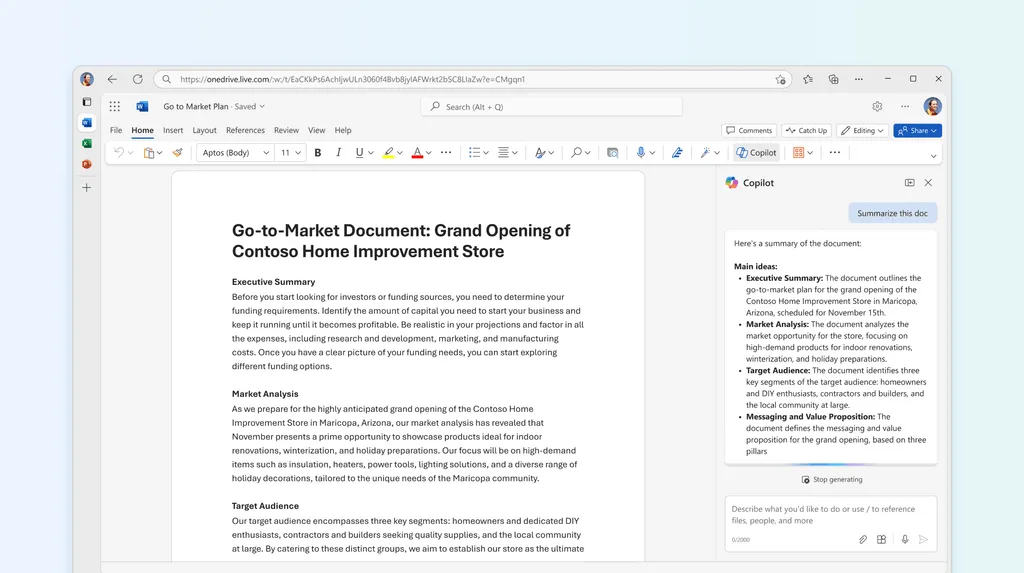
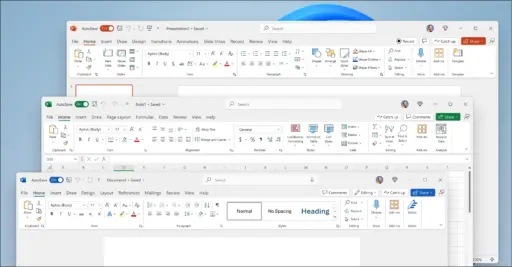


Microsoft Word 2024 is the latest version, in which users can access this suite with a one-time purchase option with a perpetual license. With this, users can get additional tools and AI-enhanced tools that help to enhance user processing documents, like correcting grammar, style suggestions, smart summarization, and predictive text. It also offers real-time collaboration tools that help to share the document via cloud services like OneDrive, and SharePoint offers offline editing.
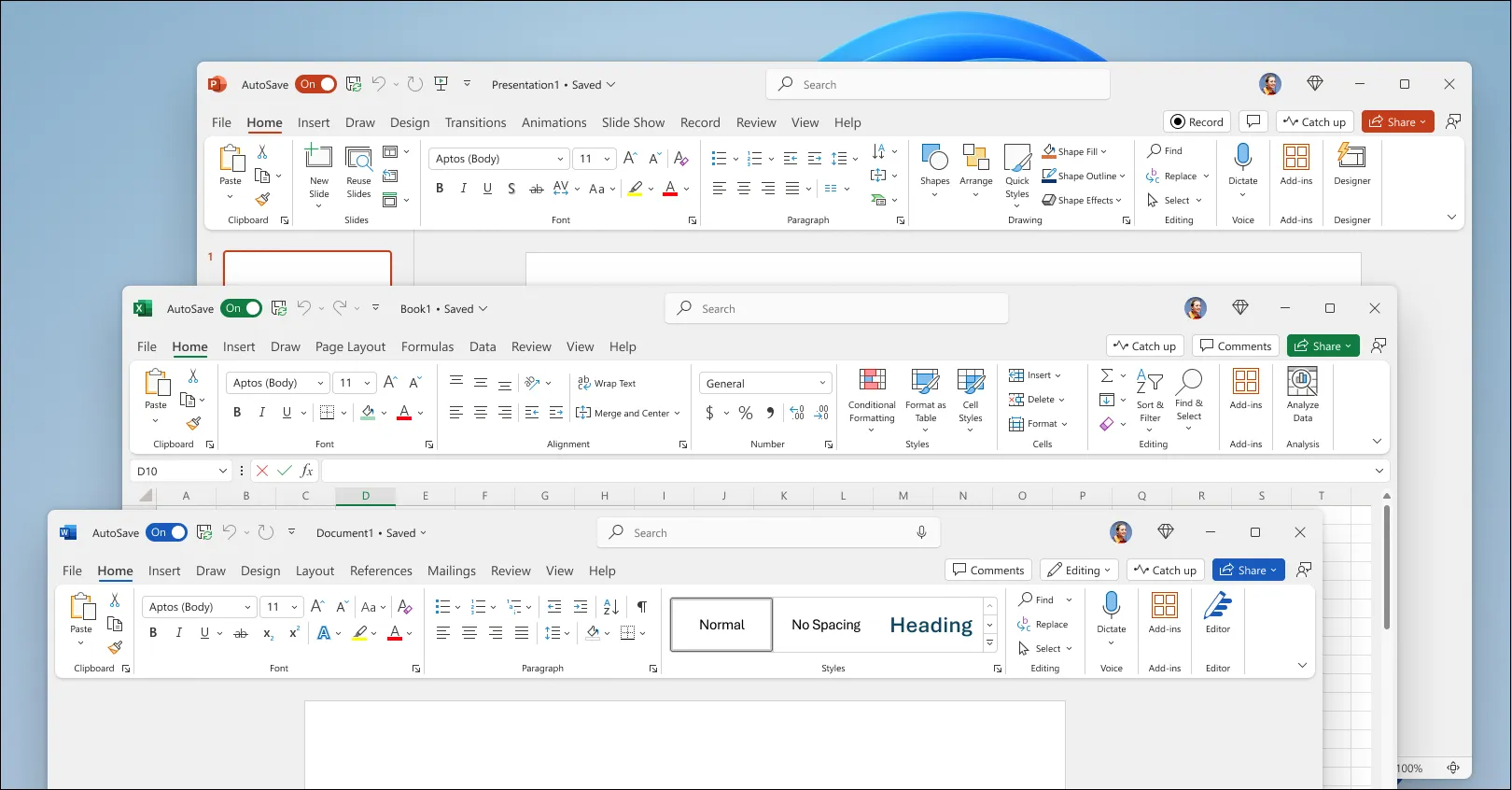
In the new version, users get enhanced tools like new templates, dynamic tables, improved PDF editing, and an optimized dark mode. Performance is increased with faster document loading, automatic saving mode, and advanced security features like an encrypted file while you are sharing through cloud services. It is a great choice for professionals, students, and businesses who are looking for a powerful and secure word processor.
Key Features:
- AI-Powered Writing Assistance: With the help of these features, users can easily get enhanced smart grammar, style suggestions, predictive text, and automatic summarization.
- Real-Time Collaboration: Users can easily share their documents with their team members by adding comments and using mentions for easy communication.
- Cloud Integration & Offline Editing: Users can easily share their data through OneDrive and SharePoint, with easy ability to work and offline access.
- Enhanced Formatting & Templates: In this feature, users get new document templates, improved PDF editing, better conversion, tables, and charts.
- Dark Mode & Customizable UI: Through this feature, users get dark mode for eye comfort and better toolbars for efficient workflows.
- Performance Upgrades: In this feature, you get easy document loading, smoother editing, and autosave mode, and you also get recovery options.
- Advanced Security & Encryption: Better option for document permissions, stronger password protection, and better data encryption.
- One-Time Purchase Option: Available as a standalone application or a part of the 2024 suite with no subscription required.
Why Buy From Us?
- We give 100% genuine software to the users, which ensures security, reliability, and full support from Microsoft.
- Get a time license with no monthly subscription or yearly subscription that saves users time and money.
- We offer competitive pricing and discounts according to the marketplace price, and give the best discount to the users.
- We provide the best team support to our customers, which supports our customers with installations, activation, and ensures a smooth experience.
- We provide a safe platform to our customers who feel comfortable during transactions and purchases.
- We provide Bulk & Business Licensing Available for according to the customer’s needs. Whether it is used for personal or for an organization.
Redemption Guide:
Follow these steps to activate your Microsoft Word 2024 License:
- Firstly, you have to purchase the product from an authorized reseller or a website.
- When you are done with your purchase, you receive an email from the website in which you get the product key.
- If you purchased the hard copy, then you received the product key.
- Open the web browser and sign in with your Microsoft account, or if you do not have one, then create one.
- Enter the product key in the relevant field.
- Click “Next” to validate your key.
- Once your key is activated, select the download and install file.
- Open the downloaded file and follow the on-screen instructions to install the software.
- Once you are done with installation, sign in with your same Microsoft account to complete the activation.
- If the product key is required again to finalize the activation. Then do it.
- Once you are done with all your installation parts, your software is ready to use with all its features.
Comparison Table:
| Features | Word 2024 | Word 2021 | Word 2019 | Word 2016 |
| One-Time Purchase | Yes | Yes | Yes | Yes |
| AI-Powered Writing Assistance | Yes | No | No | No |
| Real-Time Collaboration | Yes | Yes | Limited | No |
| Cloud Integration | Yes | Yes | Yes | Yes |
| Improved Performance & Speed | Faster | Fast | Moderate | Slower |
| Enhanced PDF Editing | Yes | Yes | Limited | No |
| Dark Mode & Customizable UI | Yes | Yes | Limited | No |
| Advanced Security & Encryption | Yes | Yes | Limited | No |
| Supports Windows & macOS | Yes | Yes | Yes | Yes |
| Microsoft 365 Subscription Required | No | No | No | No |
FAQs
What is Microsoft Word 2024?
It is the latest version with standalone features and does not require any other features. It includes an AI-powered tool, enhanced formatting. Improved performance and collaboration features.
Is Microsoft Word 2024 a one-time purchase or a subscription?
It is a one-time purchase; you need to pay only once, and it is for you forever. There is no subscription required.
Can I use Microsoft Word 2024 offline?
Yes, Microsoft Word 2024 mostly works offline. But for collaboration and sharing use of the internet is needed.
Is Microsoft Word 2024 compatible with older Word documents?
Yes, Word 2024 fully supports formats like .docx, .doc, .pdf, and other common formats. You can easily edit, save, and open what was created in the old version.


Reviews
Clear filtersThere are no reviews yet.