🔑 Software keys sent via WhatsApp or E-mail within 24 hours (1 Day) ! ⏳ If not received, Contact us! ! 📬


 Recently Updated
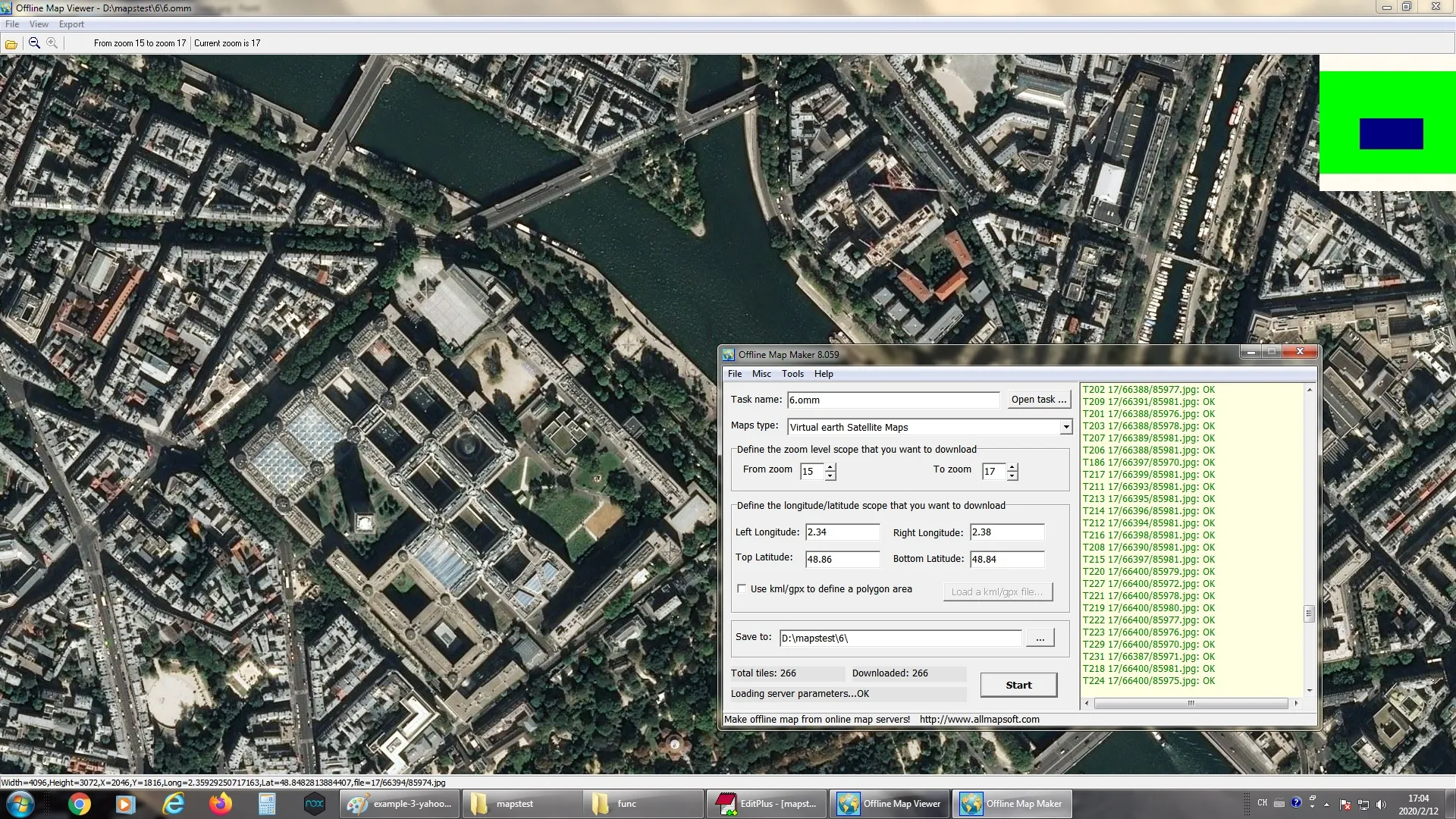
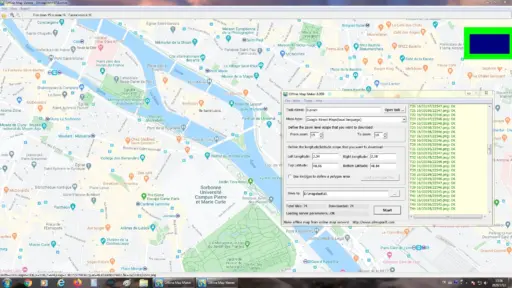
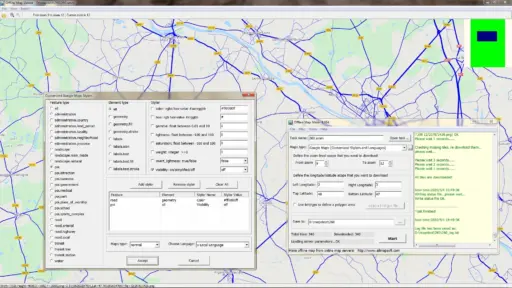
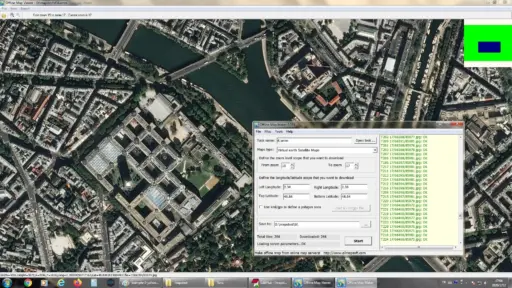


Want the simplest way to get maps to use when you’re not online? Some people who use AllMapSoft Offline Map Maker are researchers, travelers, and professionals. It lets them save maps from famous websites right on their computer. This software lets you make high-quality offline maps that you can use whenever you want, even when you’re not connected to the internet. It works with many map services.
AllMapSoft Offline Map Maker makes sure you always have accurate maps on hand, whether you’re making plans for a trip, working on a geography project, or getting ready for fieldwork by getting navigation tools ready. We also offer a 30-day money-back promise on all licenses in case the key doesn’t work or if you have any other problems with the product. This is because we believe in providing both trust and ease of use.At ElementsKeys, we make Allmapsoft Offline Map Maker accessible to everyone. We provide 100% genuine licenses for everyone at the lowest possible prices compared to any other resellers or official.
Key Features:
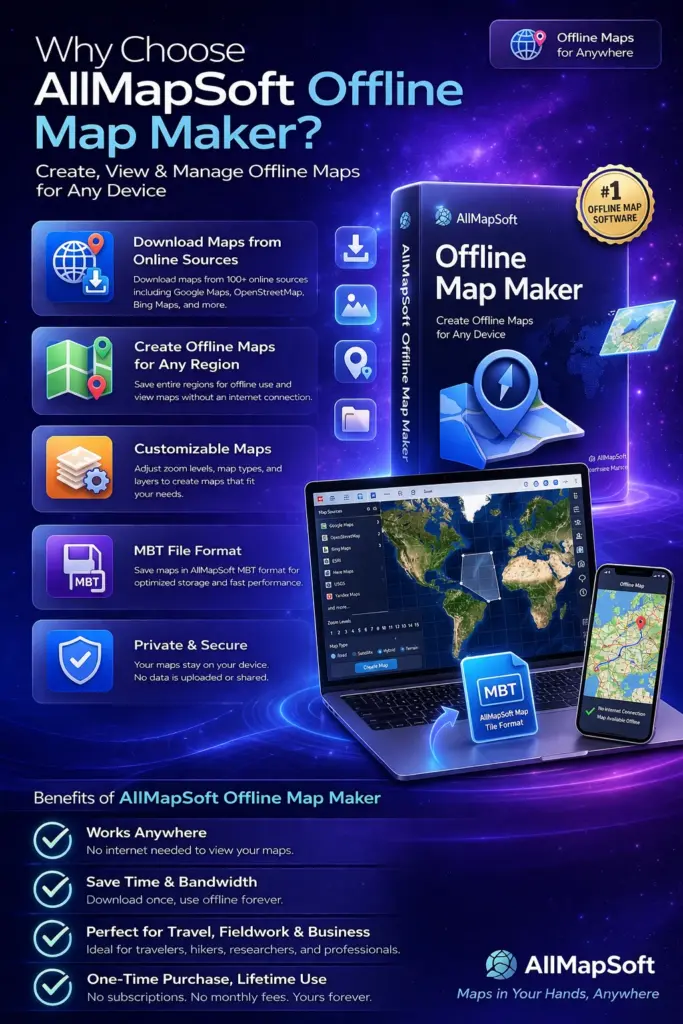
- Many ways to view maps when you’re not online: The built-in Offline Map Viewer lets you access your saved maps and zoom in and out without any problems.
- Many Export Formats: You can save maps in common types like BMP, JPG, TIFF, PNG, PDF, WEBP, ECW, SQLITE, MBTiles, GPKG, MRF, and more. This means that they can be used on a variety of devices and programs.
- Cross-Platform Compatibility: For Garmin devices, you can export maps as KMZ files, and for OziExplorer, you can export them as xxx.map files. MBTiles can also be used on MapBox, Locus Map, OruxMaps, and RMaps.
- Making online maps: Make HTML files for Leaflet, OpenLayers, or the Google Maps API. This lets you make your own web map servers and host them.
- Database Integration: You can export all tiles to a SQLite database, which lets you do professional level planning work.
- Downloads at Multiple Zoom Levels: Unlike Universal Maps Downloader, this tool lets you download at multiple zoom levels at once, which saves you time and effort.
- Easy-to-Use Interface: The interface was made to be simple and intuitive so that even newbies can quickly make detailed offline maps.
Why Should You Buy from Us?
We know that when you buy software, it’s not just about the product, but also about how reliable the source is. We promise that if you buy Allmapsoft Offline
- Map Maker from us, you will:
- Reasonable Prices: Get top-notch mapping tools at reasonable prices.
- Committed Support: Our team helps you activate and gives you advice when you need it.
- Safe and secure transactions: You can shop with peace of mind knowing that your buy is safe.
When you buy Elements Keys, you don’t just get software; you also get security, dependability, and long-term value.
Device Requirements:
To ensure smooth performance of Allmapsoft Offline Map Maker, your device should meet the following requirements:
- Operating System: Windows XP, Vista, 7, 8, 8.1, 10, or 11
- Processor: Intel Pentium IV or higher
- Minimum RAM: 1 GB (2 GB recommended for large map downloads)
- Hard Disk Space: At least 200 MB of free space for installation (additional space required for storing maps)
- Internet Connection: Required only for downloading maps (offline viewing does not require connectivity)
Redemption to Guide:
At Elements Keys, we make the refund process easy for everyone:
- Come to our store and buy the item.
- Get your access key right away by email or WhatsApp.
- Go to the Allmapsoft website and get the official Offline Map Maker setup.
- You need to put the software on your PC.
- Enter the license key that was given to activate the software.
- You can start making, exporting, and reading maps offline right away.
There are no delays or shipping costs—you can get to your software right away.
Comparison Table:
| Feature | Allmapsoft Offline Map Maker | Universal Maps Downloader | Other Map Tools |
| Multi-zoom downloads in one task | Yes | No | Limited |
| Export to multiple formats (TIFF, PNG, PDF, SQLite, etc.) | Yes | Limited | Limited |
| Web map server creation | Yes | No | Rare |
| Compatibility with Garmin, OziExplorer, MBTiles apps | Yes | Limited | Limited |
| Easy to use interface | Yes | Yes | Often complex |
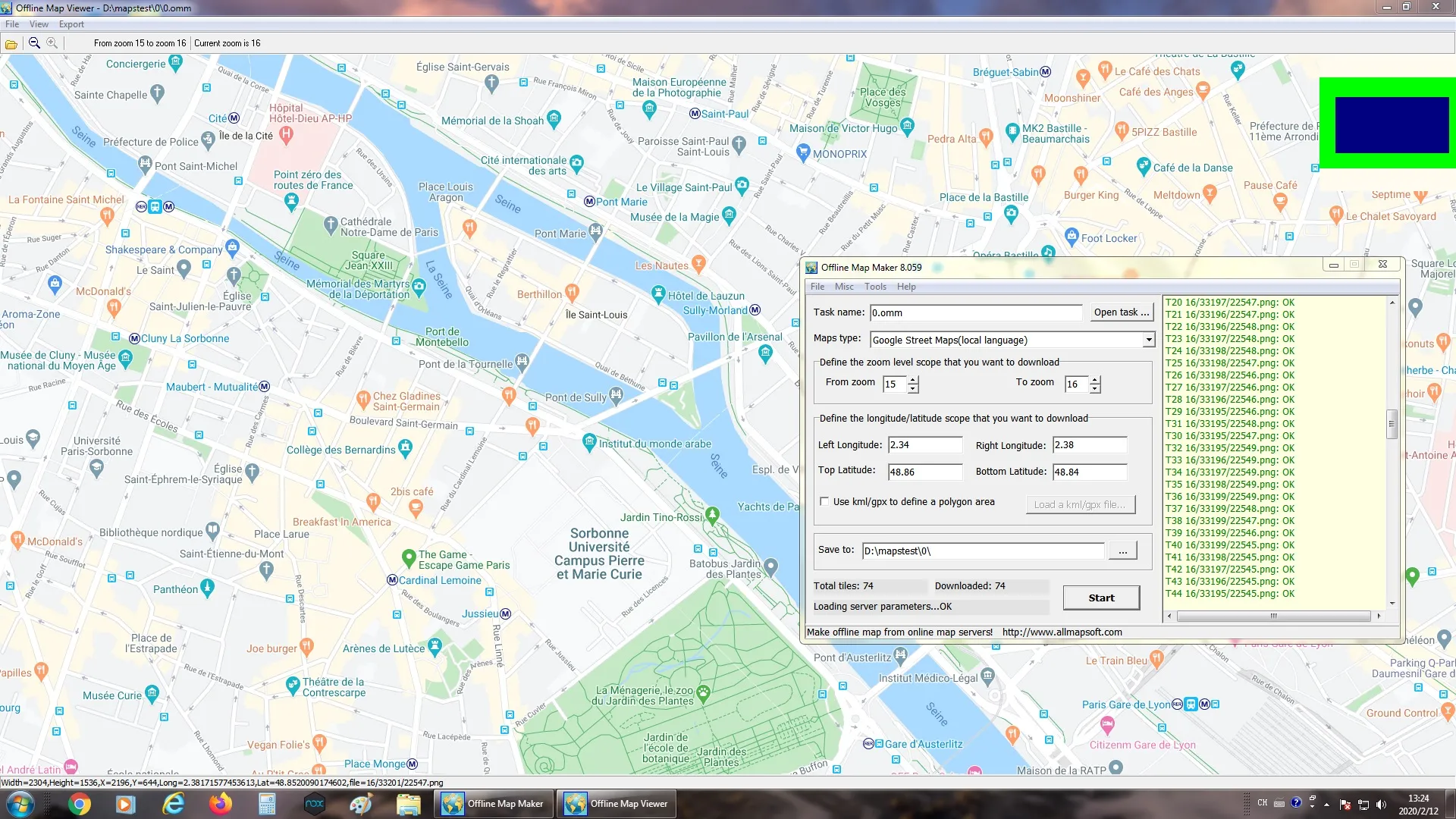
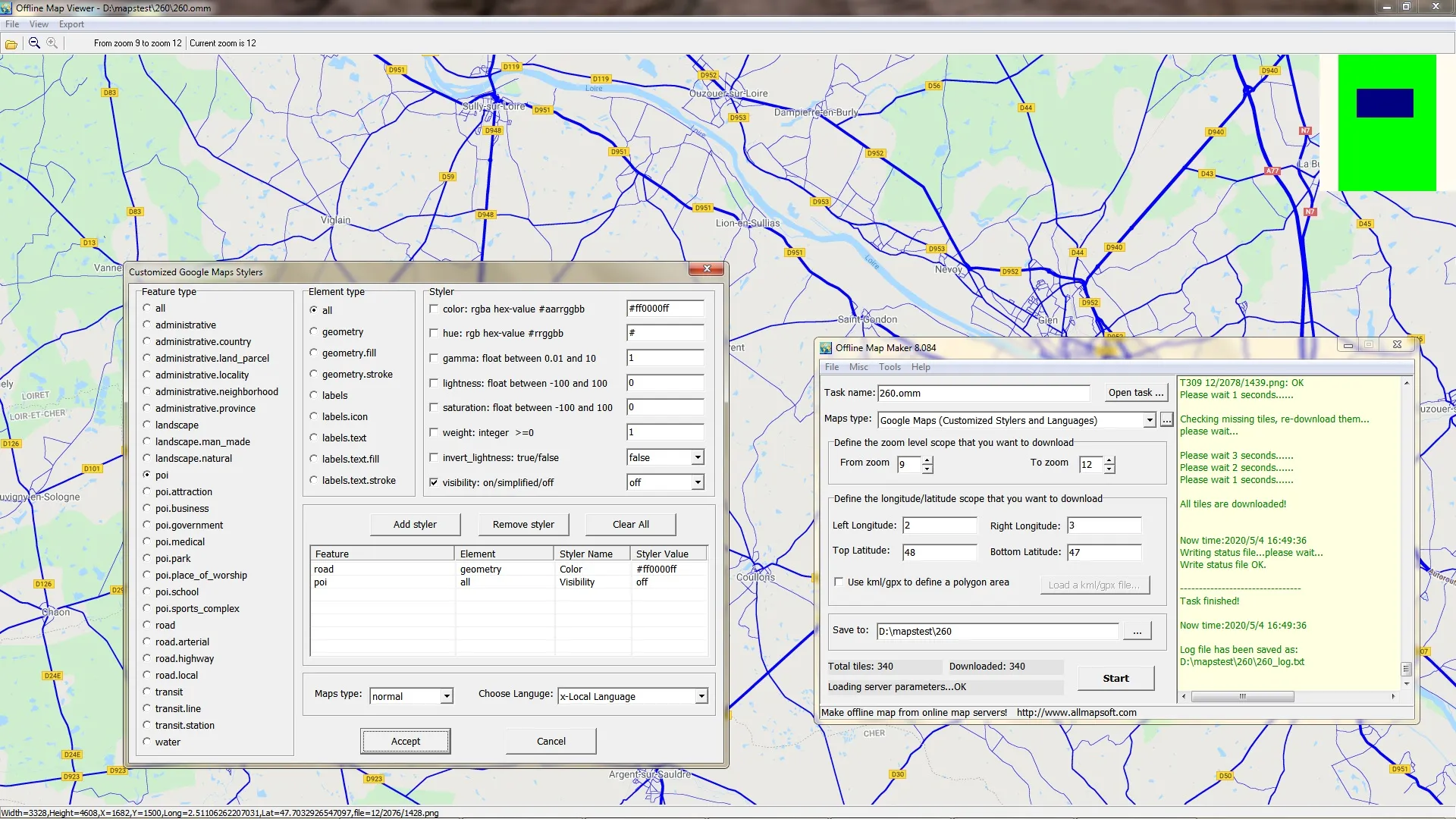
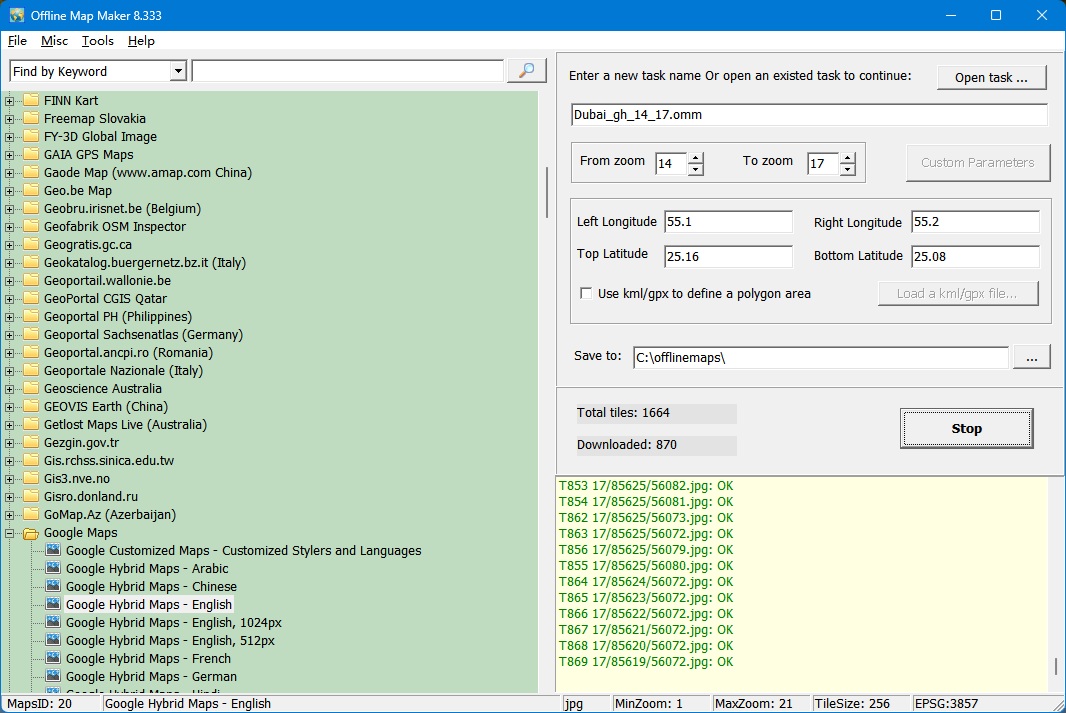 Offline Map Maker main window 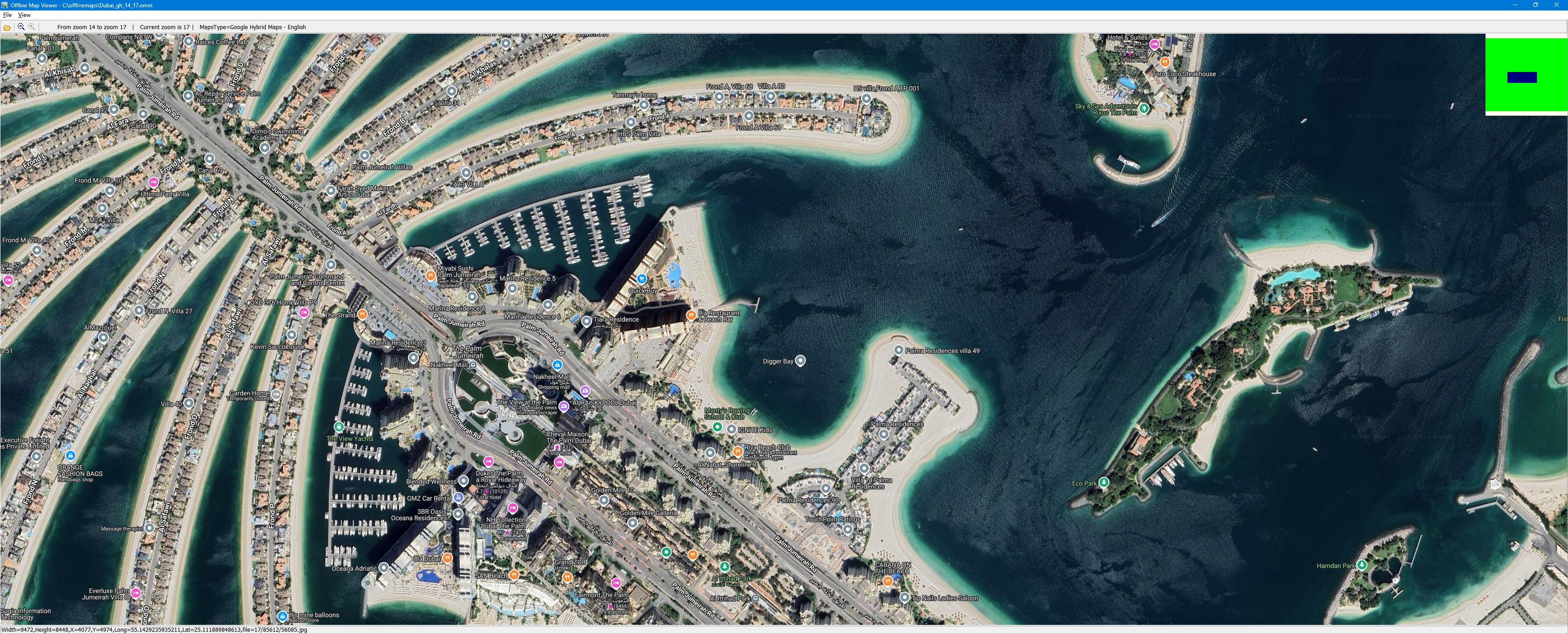 Offline Map Viewer 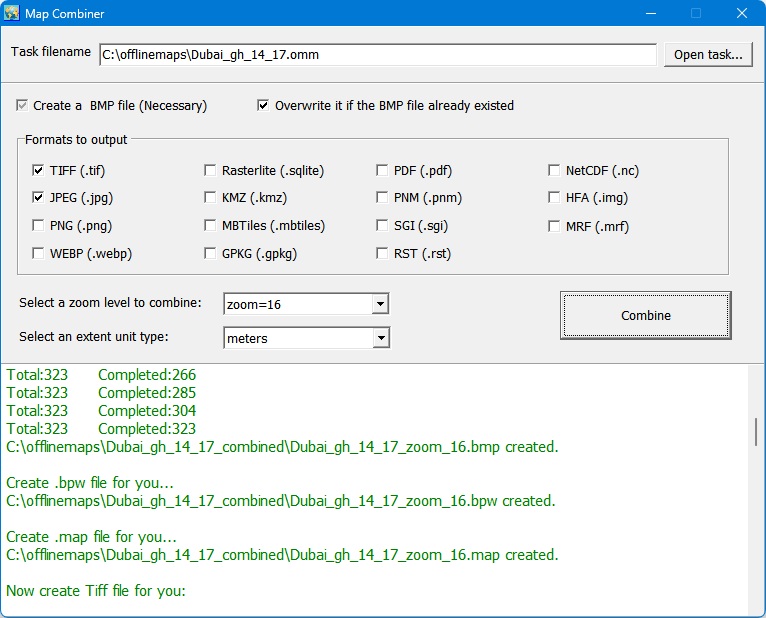 Map Combiner 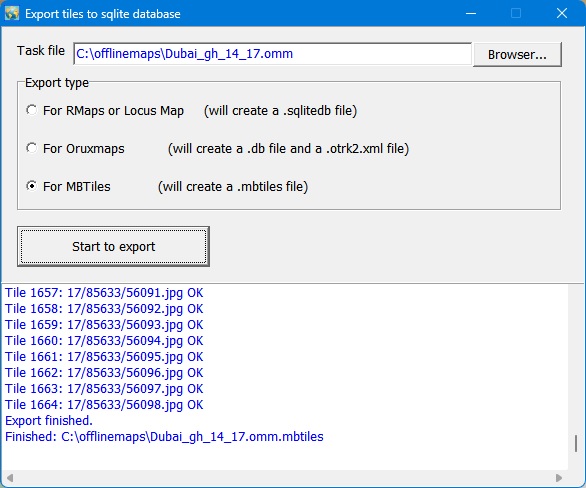 Export tiles to sqlite database 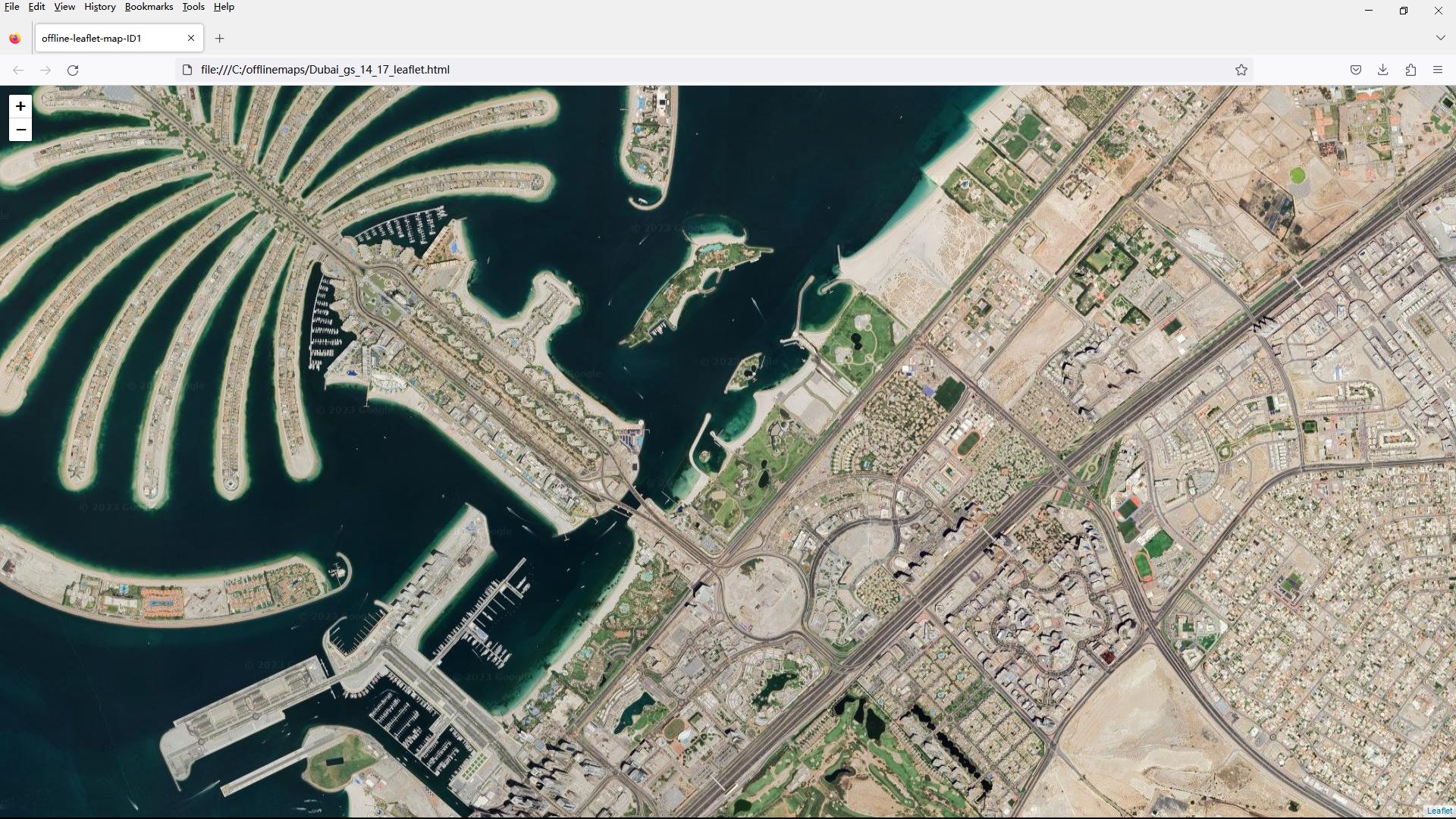 View maps in browsers 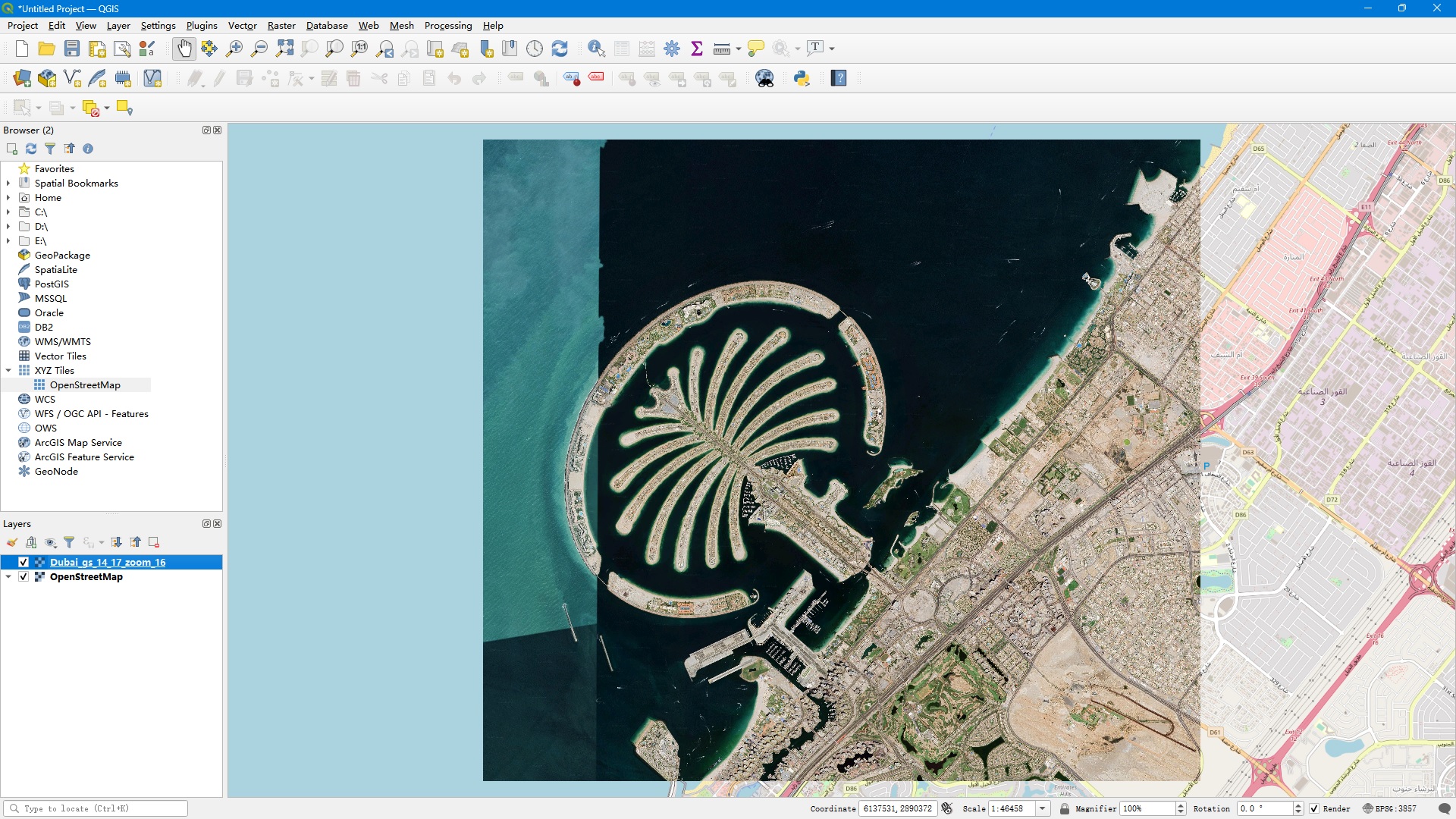 The combined TIFF file as a layer in QGIS |
FAQs:
Is it possible to use Allmapsoft Offline Map Maker without being online?
Yes. You only need the internet to get maps. You can view and use them whenever you want after saving them.
What kinds of maps can I get?
You can get maps from many sources and save them in a number of forms, such as MBTiles, PNG, TIFF, PDF, and more.
Does this program work with OziExplorer and Garmin?
Of course. OziExplorer can get xxx.map files and Garmin devices can get KMZ files.
Is the pass good for life?
Yes. When you buy something from Elements Keys, you get a license key that works for life. You don’t have to update it.
How am I going to get my license key here?
After you buy something, we send your registration key right away via WhatsApp or email.


Reviews
Clear filtersThere are no reviews yet.