🔑 Software keys sent via WhatsApp or E-mail within 24 hours (1 Day) ! ⏳ If not received, Contact us! ! 📬

 Recently Updated


Product Overview
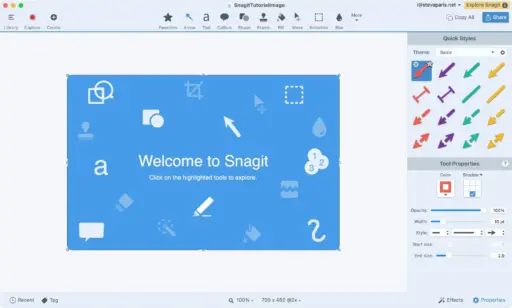
If you’ve ever struggled with clunky snipping tools that don’t quite capture what you need, you’ll love TechSmith Snagit 2019/2020. It’s not just another screenshot app, it’s a complete screen capture and recording tool that helps you work smarter and explain things more clearly.
Whether you’re a teacher building lessons, a designer sharing feedback, or a professional putting together a product demo, Snagit makes communication faster and a lot less stressful.At Elements Keys, we make it easy to get started with a genuine TechSmith Snagit 2019/2020 license key, affordable, safe, and delivered straight to your inbox.
Key Features
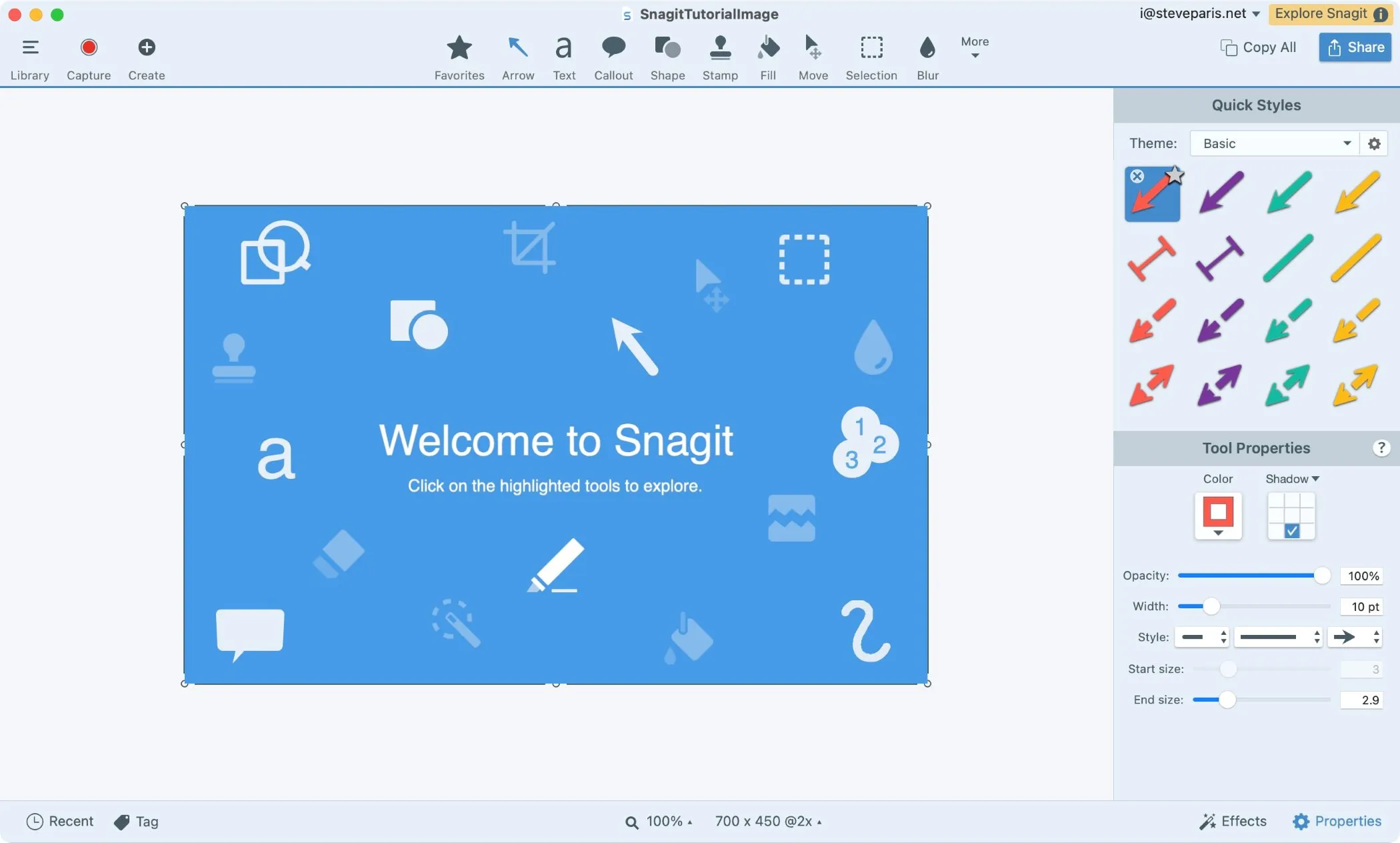
- Flexible Screen Capture: You can easily take a picture of the entire screen, a single window, a specific area, or even a scrolling site.
- Image and Video Recording: It’s easy to switch between taking photos and recording videos. You can record what’s happening on your screen, add a webcam layer, and record sound from your system or microphone.
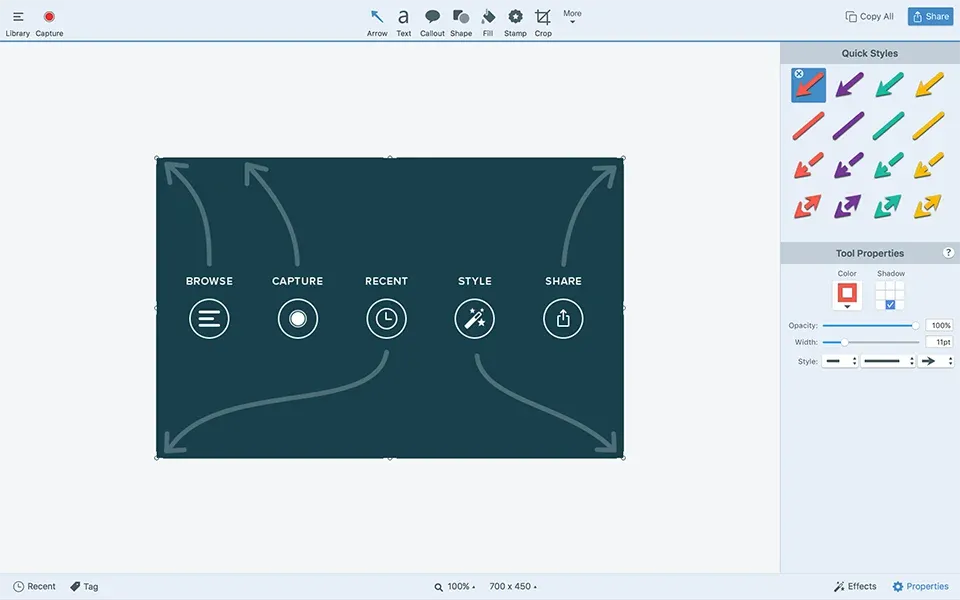
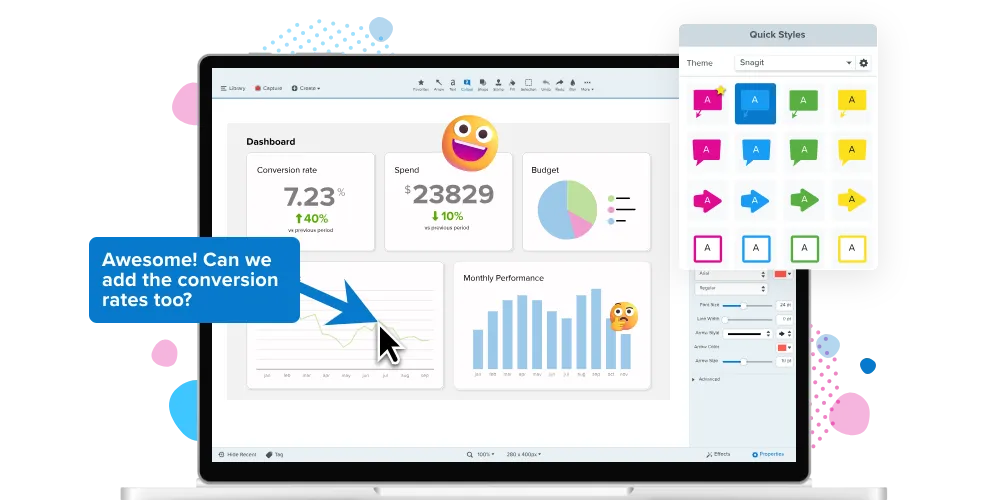
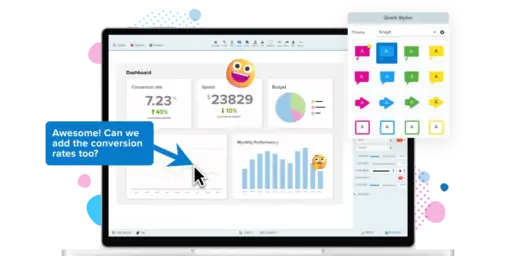
- Easy-to-understand notes: You can make processes more transparent by adding text, arrows, highlights, and shapes straight to your captures.
- Smart Move and Reading Text: You can easily move interface elements around in your screenshots, extract text from pictures and scanned documents, and edit it right away.
- Library of well-organised content: Snagit instantly saves screenshots in a library that can be searched. You can sort your files by date, file type, or app, and you can sync them with Google Drive or OneDrive.
- Scrolling Capture: It works great for long documents, chat threads, or websites, as it can record everything in one smooth motion.
- Simplify UI: Convert screenshots of complex user interfaces into simpler graphics to create training and instructional images that are easier to understand.
- Collaboration Tools: Make links that can be shared quickly, add comments with timestamps, and make groups to keep projects on track.
- AI Features (Pro): Automatically generate names, captions, and descriptions for your captures. This makes it easy to organise them.
Why Buy from Us?
We sell genuine license keys of TechSmith Snagit 2019/2020 at very low prices here at Elements Keys. This is why our clients pick us:
- Instant Key Delivery: Keys are sent right away by email or WhatsApp.
- Reasonable Prices: Save a lot of money compared to regular prices.
- Trusted Seller: We’ve helped thousands of happy customers with their software needs.
- Customer Support: If you need help with registration or installation, our team is here for you.
When you buy from Elements Keys, you not only get the software, but you also get peace of mind that your purchase is real and comes with good customer service.
Device Requirements
For Windows:
- Windows 10 or later (64-bit)
- 2.4 GHz single-core processor (dual-core recommended)
- 4 GB RAM minimum (8 GB recommended)
- 1 GB free hard disk space
- Internet connection for activation and updates
For MacOS:
- macOS 10.13 (High Sierra) or later
- Intel or Apple Silicon processor
- 4 GB RAM minimum
- 500 MB free hard disk space
- Internet connection for activation and updates
Guide to Redemption
- It’s quick and easy to use your Snagit key from Elements Keys:
- Go to Elements Keys and buy Snagit 2019/2020.
- Get your registration key right away by email or WhatsApp.
- Go to the TechSmith website and download the Snagit software.
- Put the program on your computer that runs Windows or MacOS.
- Type in the login key to get full access.
There you have it. Your Snagit program is now free to use as you please.
Comparison Table – Snagit vs. Other Tools
| Feature | Snagit 2019/2020 | Built-in Snipping Tool (Windows/Mac) | Free Tools (e.g., Lightshot) |
| Image & Video Capture | Yes (Full/Region/Scrolling) | Static images only | Screenshots only |
| Annotations & Editing | Advanced with highlights, arrows, text | Very limited | Basic text/shape tools |
| Text Recognition (OCR) | Yes – extract & edit text | No | No |
| Scrolling Capture | Yes | No | No |
| Cloud Sync & Library | Yes | No | No |
| AI Features | Yes (titles, captions) | No | No |
| Pricing | Discounted at Elements Keys | Free but limited | Free but basic |
Frequently Asked Questions
Can I use one key for both Windows and Mac?
There is only one registration key that can be used on one device. For extra devices, you will need different keys.
Is Snagit better than free tools like Lightshot?
Yes. Free tools only let you take basic screenshots, but Snagit enables you to edit screenshots in more detail, record videos, recognise text, capture scrolling text, and collaborate.
How will I receive my key after purchase?
Elements Keys will send your key right away to your WhatsApp or email.
Can I transfer Snagit if I change computers?
You can use the same registration key to set up Snagit on both devices. Just remove it from the old one.
How much does Snagit cost with Elements Keys?
The price at Elements Keys is up to 40% less than the retail price, making it one of the best deals on Snagit 2019/2020.


Reviews
Clear filtersThere are no reviews yet.