🔑 Software keys sent via WhatsApp or E-mail within 24 hours (1 Day) ! ⏳ If not received, Contact us! ! 📬

 Recently Updated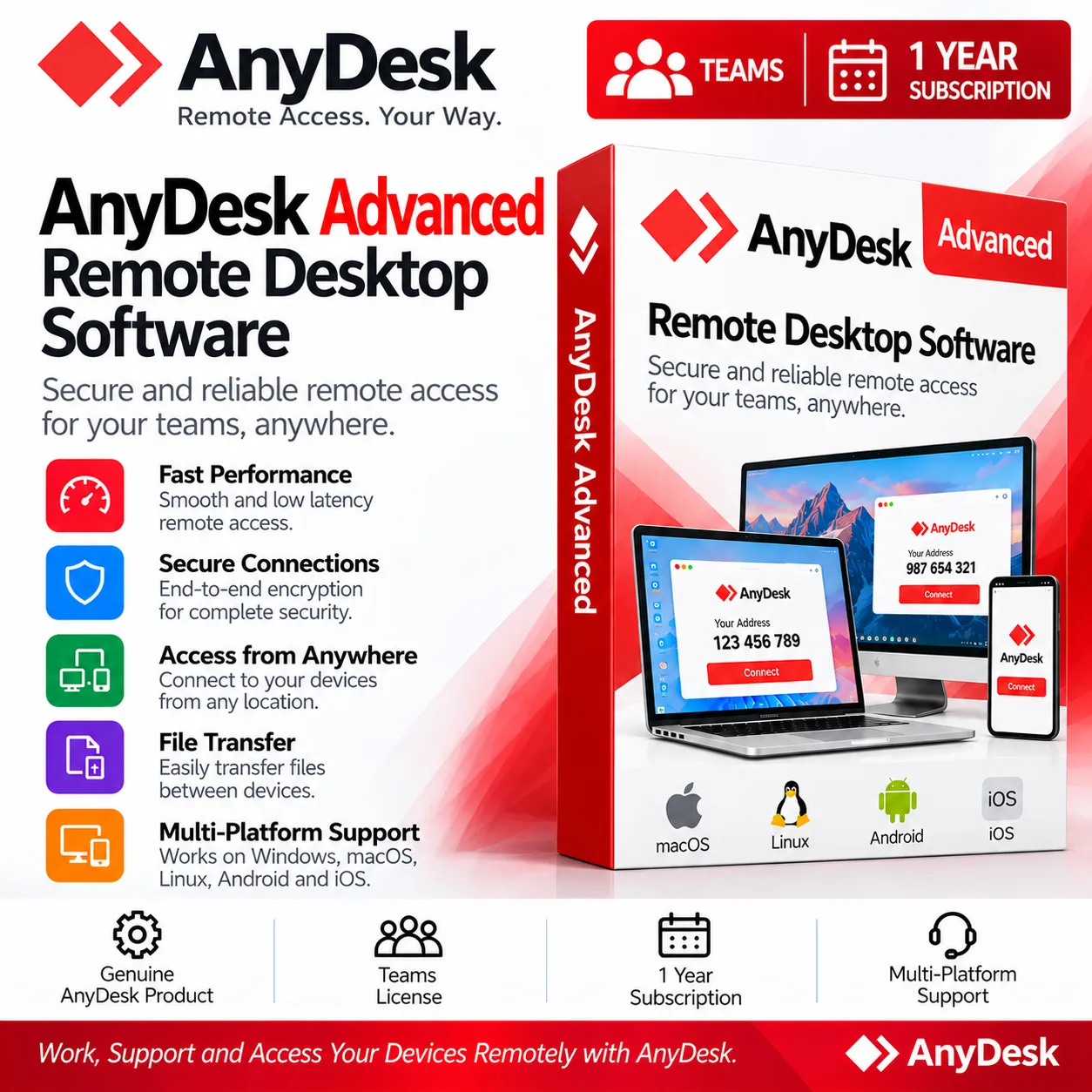
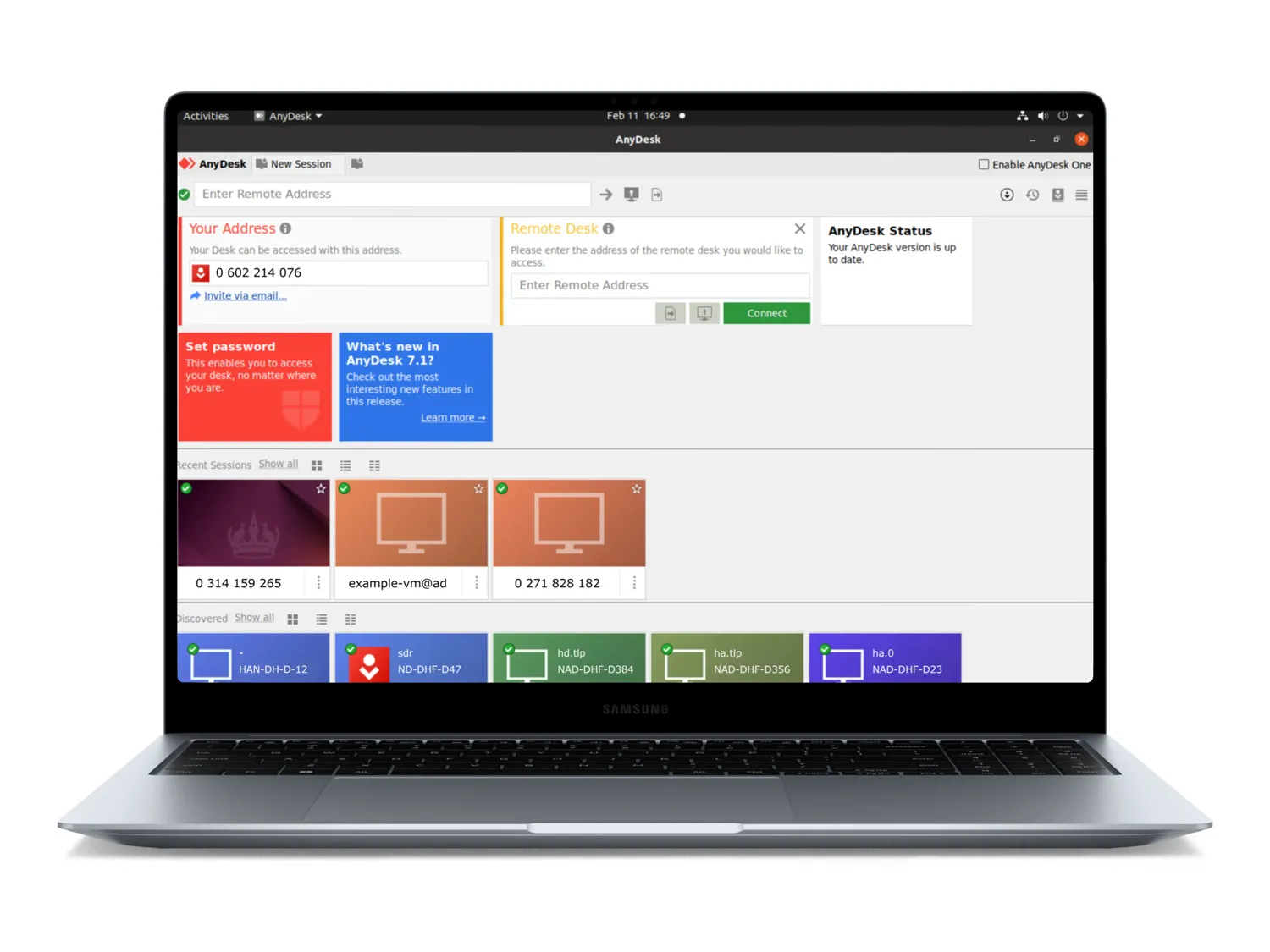
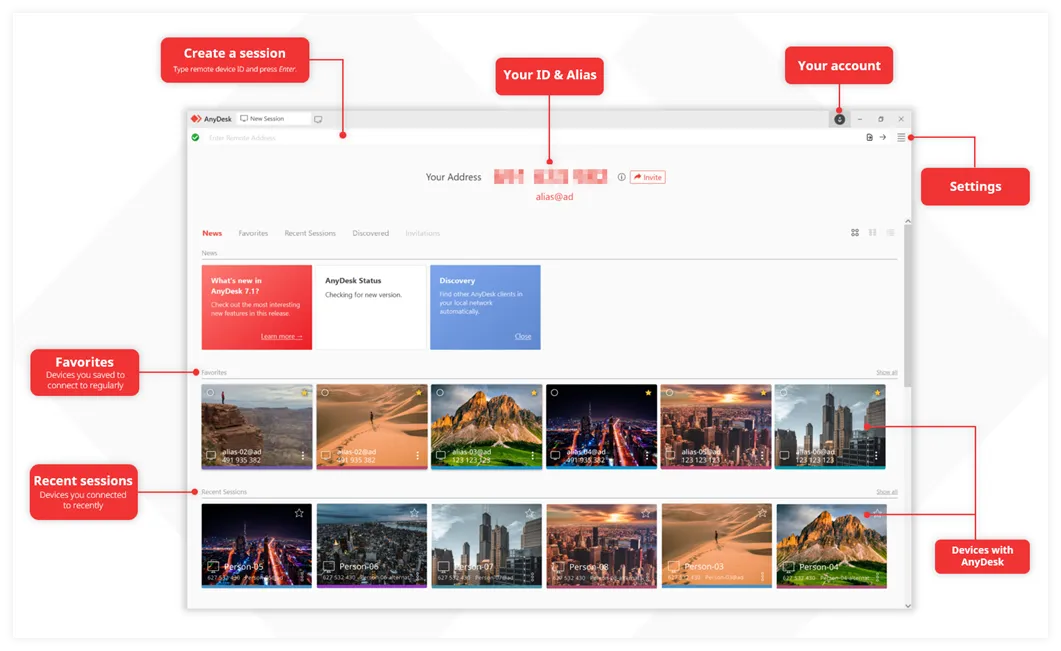
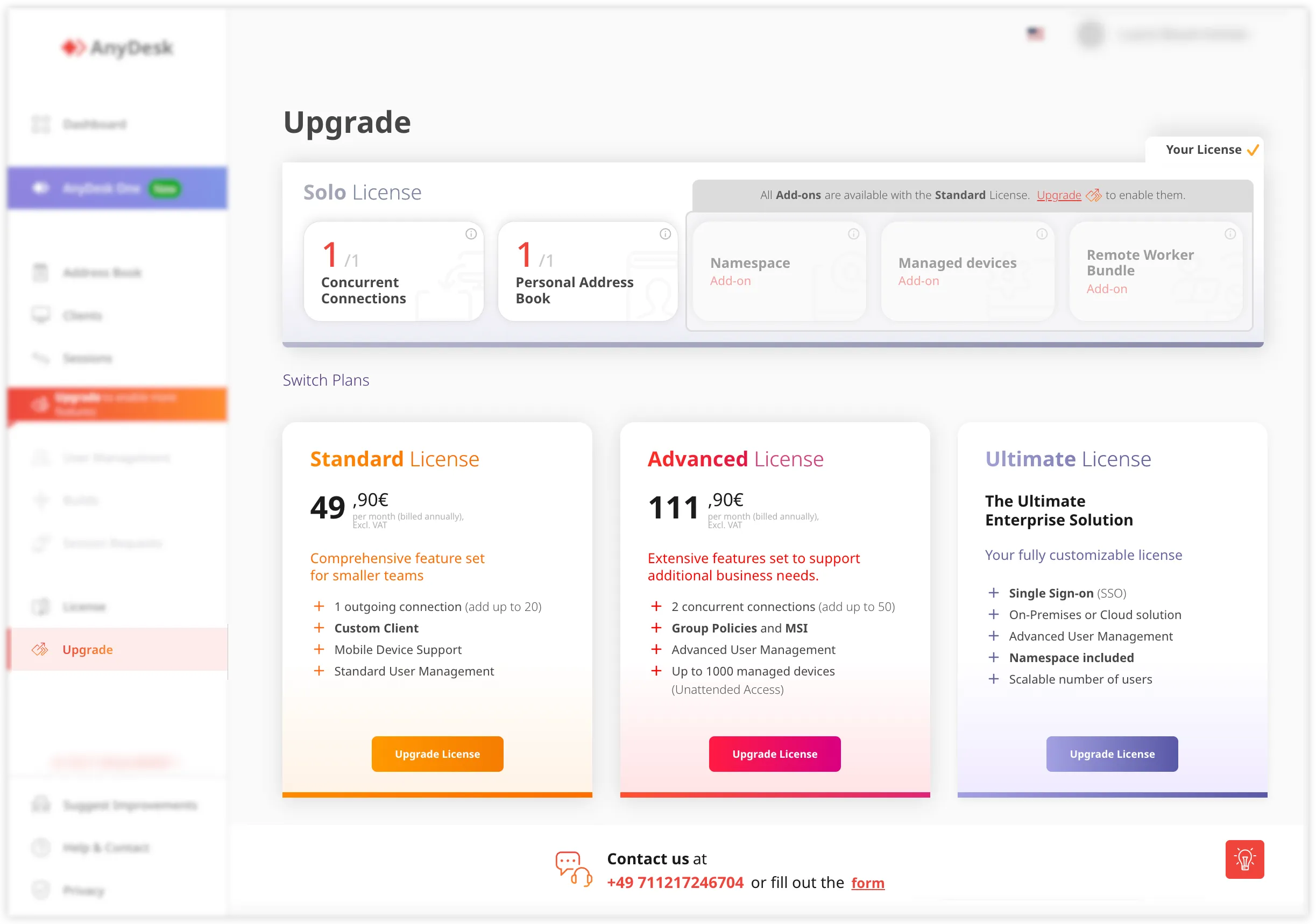
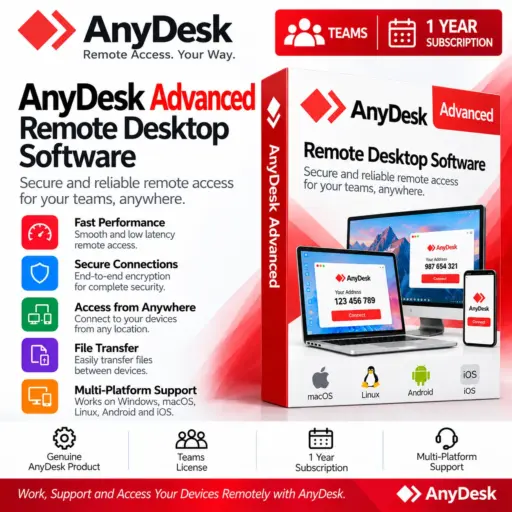
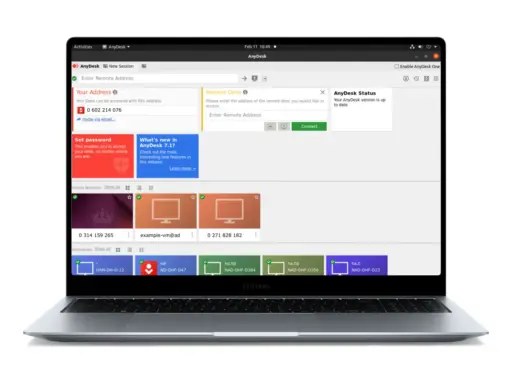
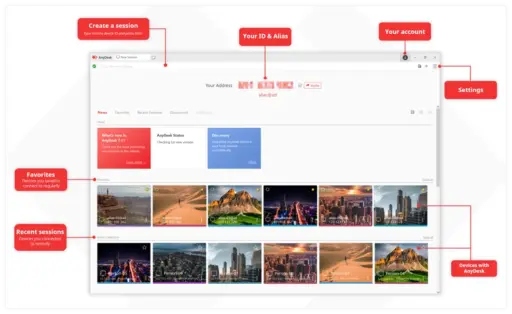
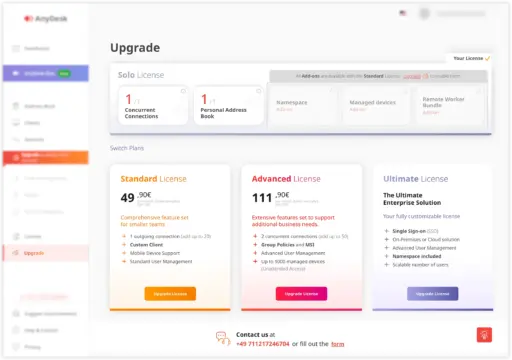


AnyDesk Advanced Teams is a professional remote desktop solution designed for organisations that require a higher capacity for remote access, centralised management, and enhanced deployment controls. Supports up to 100 people, up to 50 connections via add-ons, 1,000 managed devices, role management, command-line capabilities, mass deployment, Windows Group Policy, mobile device management, and live phone help. Designed for larger IT and support environments. The Standard plan capabilities are included with the subscription, and a greater set of tools for remote help and device management is available. Elements Keys offers AnyDesk Advanced | Teams 1 Year Subscription at more affordable prices than other resellers and official distributors by providing 100% genuine licenses.
- Starts with 2 Connections: The 1 Year Subscription provides two concurrent connections, enabling several authorised users to manage remote sessions at the same time for increased team productivity.
- Scale Up to 50 Connections: Organisations can purchase an additional 50 connections.
- Team Size Up to 100 Users: This Remote Desktop Software is appropriate for teams with up to 100 users and is ideal for organisations with larger IT, technical support, and remote access teams.
- Starts with 1,000 Managed Devices: The plan includes 1,000 managed devices through Unattended Access, which gives authorised users remote access to compatible systems without requiring someone on site.
- Unlimited Interactive Access: Interactive Access allows unlimited connections to users and devices, ideal for remote assistance, debugging, collaboration, and technical support.
- User and Role Management in my.AnyDesk: my.AnyDesk enables administrators to manage users and assign roles to users, allowing organisations to better organise permissions and remote access responsibilities.
- Command line interface: The command line interface allows for an alternative means of performing supported AnyDesk actions and is beneficial for administrators dealing with technical workflows and automated processes.
- Mass Deployment (MSI): With MSI-based mass deployment, administrators can deploy AnyDesk to multiple compatible Windows devices more efficiently than configuring each installation separately.
- Windows Group Policy: Windows Group Policy support gives centralised configuration options for organisations administering AnyDesk in a Windows environment.
- Mobile Device Management Supported: The plan offers mobile device management, allowing organisations to expand their remote access management to approved mobile environments.
- Live Phone Support: Live phone support gives organisations direct access to a support channel when they need help with their AnyDesk implementation or subscription.
- Included Standard Features: AnyDesk Advanced contains all the features of Standard, such as file transfer, session recording, Privacy Mode, custom branding, user administration, support for mobile platforms, and other remote access features.
Key Features:
- Advanced Remote Access: Facilitates remote session management over a wider enterprise context. Begins with 2 connections and scales to 50 connections.
- Large Team Management: Handle up to 100 people with centralised administration and role-based management with my.AnyDesk.
- Extensive Unattended Access: Control up to 1000 devices from the start, and provide authorised remote access without the need for a person at the remote computer.
- Administrative Deployment Tools: Practical solutions for managing larger installations include command-line capabilities, MSI bulk deployment, and Windows Group Policy compatibility.
- Mobile Device Management: Extend management skills to mobile devices for organisations with a multi-device environment.
Why Buy From Us?
- The same genuine licenses you’d find from the brand, but at a lower cost.
- All options are available, from Lifetime to subscription-based licenses.
- Commercial and student licenses
- Instant digital delivery within 24 hours, so you don’t have to wait for days.
- Full activation support to make the process stress-free.
- 30-day money-back guarantee
- The most trustworthy software store online has sold 10,000+ software products to date.
Device Requirements:
- Compatible with Windows, macOS, Linux, Android, or supported mobile devices
- Stable internet connection
- Supported AnyDesk application version
- Adequate system resources for the operating system
- Administrator permissions where required for installation or deployment
- Compatible Windows environment for Group Policy and MSI deployment features
- Supported browser for accessing my.AnyDesk
Redemption Guide:
Your AnyDesk subscription will be activated on your provided email address after your purchase from Elements Keys.
Step-by-Step Activation Instructions:
- Complete your purchase: Place your order for the AnyDesk subscription on Elements Keys.
- Provide your email address: Share the email address on which you want to activate your subscription.
- Check your email: Our team will provide the subscription activation details to your registered email address.
- Activate your subscription: Follow the instructions received via email to complete the activation.
- Start using AnyDesk: Download AnyDesk from https://anydesk.com and enjoy your activated subscription.
Our support team is available to assist you throughout the activation process.
AnyDesk Advanced vs. TeamViewer Corporate:
| Feature | AnyDesk Advanced | TeamViewer Corporate |
| Remote desktop access | Yes | Yes |
| Unattended access | Yes | Yes |
| Interactive remote access | Yes | Yes |
| User management | Yes | Yes |
| Role management | Yes | Yes |
| Mass deployment | MSI | Supported |
| Windows Group Policy | Yes | Supported |
| Command-line interface | Yes | Supported |
| Mobile device management | Supported | Supported |
| File transfer | Yes | Yes |
| Session recording | Yes | Yes |
| Phone support | Live phone support | Support options vary |
FAQs:
This is a professional remote desktop subscription for one year, for larger teams needing more connections, managed device access, central user and role administration, deployment tools, and sophisticated administrative features.
The subscription fee will be determined by the chosen configuration and any applicable connection requirements or add-ons. Please refer to the current product listing for the most up-to-date pricing information.
Elements Keys offers 100% authentic licenses and delivers the license key directly via WhatsApp and email. This gives consumers a convenient purchase experience, with their products digitally delivered.


Reviews
Clear filtersThere are no reviews yet.