🔑 Software keys sent via WhatsApp or E-mail within 24 hours (1 Day) ! ⏳ If not received, Contact us! ! 📬

 Recently Updated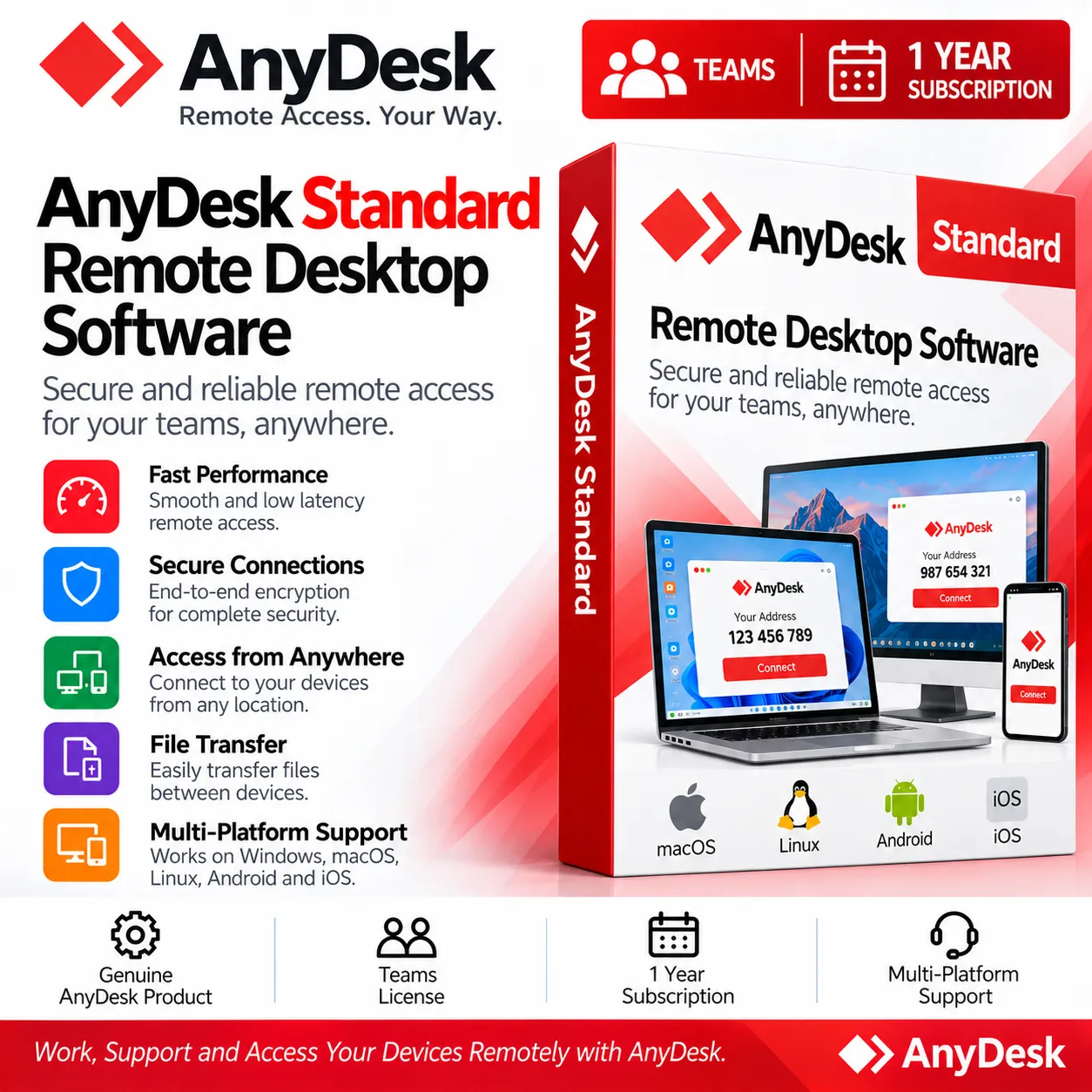
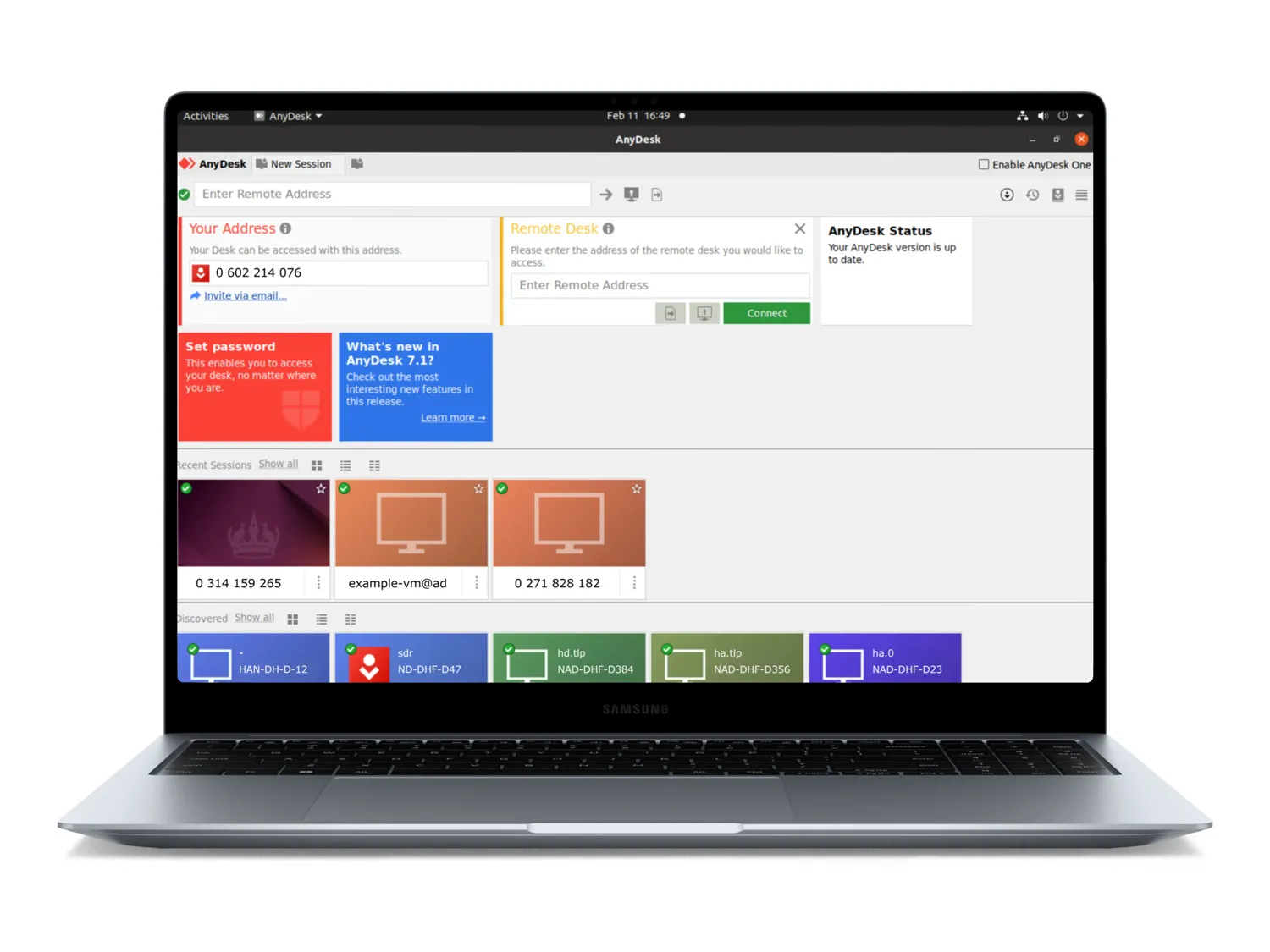
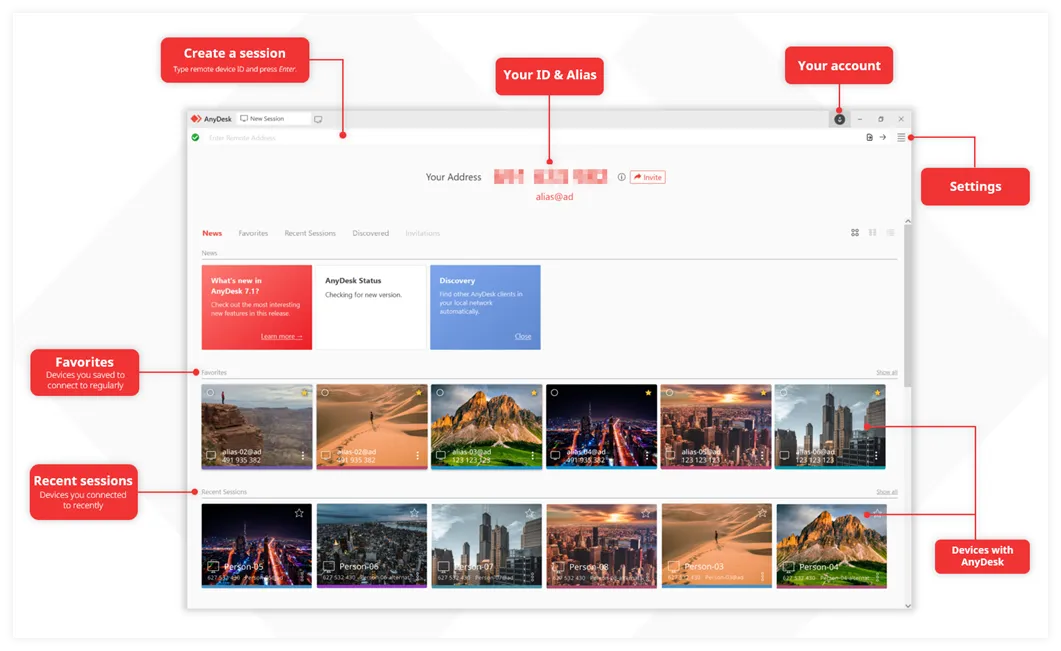
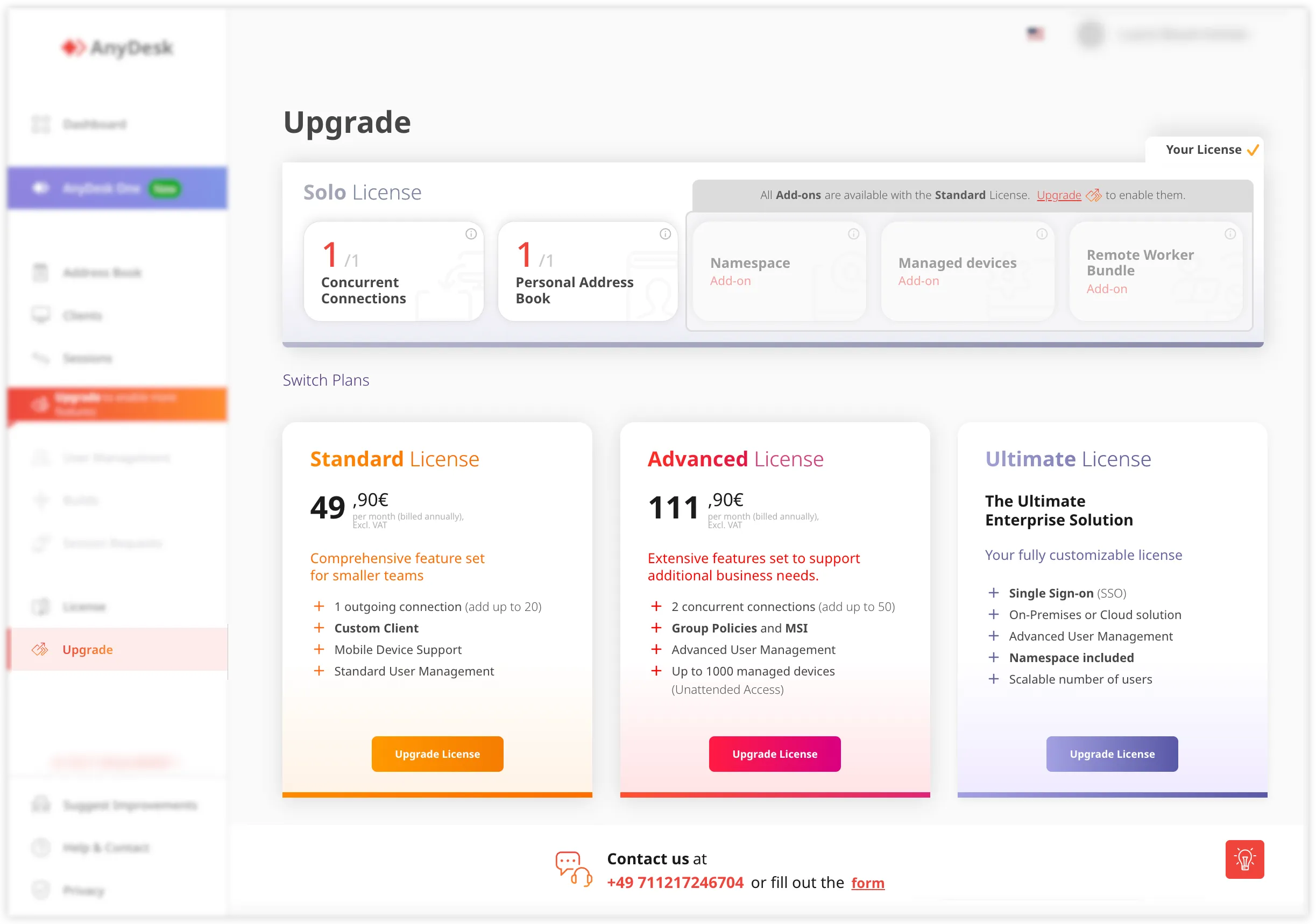
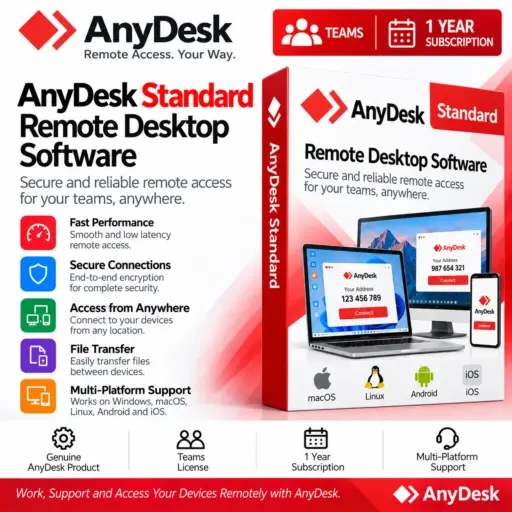
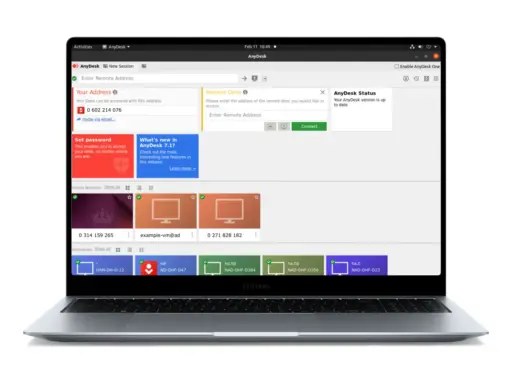
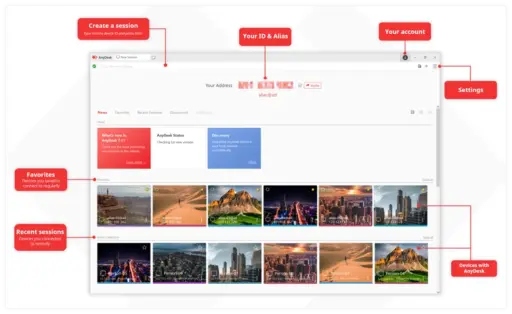
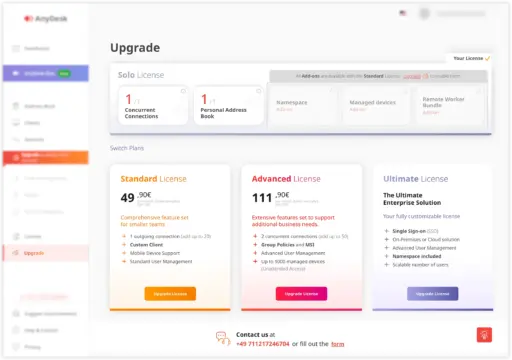


AnyDesk Standard Teams provides a professional remote desktop solution for teams requiring reliable access to PCs, devices, and remote users from just about anywhere. It features interactive remote support, unattended access to devices, user administration, file transfer, session recording, privacy controls and a custom-branded application. The plan starts with a single connection and scales to serve expanding teams. Perfect for enterprises, IT departments, support teams, and higher-education institutions that need safe and flexible remote access. At Elements Keys, we try to make AnyDesk Standard available for more people. We sell 100% authentic licenses with very low prices compared to other resellers and official channels.
- Starts with 1 Connection: The 1 Year Subscription starts with a single concurrent connection that enables a licensed user to open a remote session. It’s a pragmatic starting point for a person or tiny teams.
- Scale Up to 20 with Add-On Connections: Add up to 20 connections for remote access as your team expands. The quoted add-on charge is ₹1,239.00/connection/month payable annually.
- Team Size Up to 20 Users: AnyDesk Standard is designed for teams of up to 20 people and provides remote-access duties for multiple employees and support staff inside organisations.
- Starts with 500 Managed Devices: The plan starts with Unattended Access, providing you with access to 500 managed devices. This is handy for gaining remote access to configured computers and devices without requiring a person on the other end.
- Unlimited Interactive Access: Interactive Access enables users to connect to other users and devices with no predetermined limit on the number of remote receivers. It is ideal for remote assistance and support sessions where there is someone there to accept the connection.
- User Management in my.AnyDesk: my.AnyDesk provides centralised user management that enables administrators to organise users and manage access more efficiently from one administrative environment.
- Custom-Branded AnyDesk App: This Remote Desktop Software enables organisations to create a remote-access experience that matches their own brand and professional identity.
- File Transfer, Session Recording & Privacy Mode: With integrated file transfer, you may share the files you need during remote sessions, and session recording can help you document your activity. Privacy Mode provides an extra level of control when screen privacy is needed for remote access.
- Namespace Add-On Available: The namespace add-on is used by organisations that need more customisation and identification choices inside their AnyDesk environment.
- Mobile Device Platform Included: This membership provides a mobile device platform and expands the scope of remote access beyond the typical desktop and laptop contexts.
Key Features:
- Flexible Remote Connections: AnyDesk Standard begins with one connection and may be modified to accommodate more as your team’s remote-access needs evolve, supporting up to 20 connections.
- Support for Up to 20 Users: This subscription is built for teams of up to 20 users, so it’s perfect for corporations and professional teams that need numerous workers doing remote-access duties.
- Unattended Access for 500 Devices: It starts with 500 managed devices for Unattended Access, which enables authorised users to remotely connect to supported devices while no one is accessible at the remote site.
- Unlimited Interactive Access: Interactive Access provides remote access to persons and devices without a fixed restriction and is useful for customer service, technical support, collaboration, and troubleshooting.
- Centralized User Management: my.AnyDesk enables administrators to manage users and organise access in a central environment, which helps teams keep better control over their remote-access configuration.
Why Buy From Us?
- The same genuine licenses you’d find from the brand, but at a lower cost.
- All options are available, from Lifetime to subscription-based licenses.
- Commercial and student licenses
- Instant digital delivery within 24 hours, so you don’t have to wait for days.
- Full activation support to make the process stress-free.
- 30-day money-back guarantee
- The most trustworthy software store online has sold 10,000+ software to date.
Device Requirements:
- Compatible with Windows, macOS, Linux, Android, or supported mobile devices.
- Stable internet connection.
- Supported version of the AnyDesk application.
- Sufficient system resources for the operating system and application.3
- Administrator access where required for installation or configuration.
- Compatible browser for accessing the my.AnyDesk management environment.
Redemption Guide:
Your AnyDesk subscription will be activated on your provided email address after your purchase from Elements Keys.
Step-by-Step Activation Instructions:
- Complete your purchase: Place your order for the AnyDesk subscription on Elements Keys.
- Provide your email address: Share the email address on which you want to activate your subscription.
- Check your email: Our team will provide the subscription activation details to your registered email address.
- Activate your subscription: Follow the instructions received via email to complete the activation.
- Start using AnyDesk: Download AnyDesk from https://anydesk.com and enjoy your activated subscription.
Our support team is available to assist you throughout the activation process.
AnyDesk Standard vs. TeamViewer Remote:
| Feature | AnyDesk Standard | TeamViewer Remote |
| Remote desktop access | Yes | Yes |
| Unattended access | Yes | Yes |
| Interactive remote support | Yes | Yes |
| File transfer | Yes | Yes |
| Session recording | Yes | Yes |
| User management | my.Anydesk | TeamViewer management tools |
| Custom branding | Available | Available depending on plan |
| Mobile platform support | Included | Supported |
| Team-oriented management | Yes | Yes |
FAQs:
It’s a professional one-year remote desktop subscription for teams that want interactive remote support, unattended access, device control, file transfer, session recording, and centralised user administration.
Subscription cost may vary based on selected configuration, connections, and applicable add-ons. Prices and availability are subject to change. Please check current product listing for accurate pricing and availability.
Elements Keys provides 100% genuine software licenses and sends the license key directly to your WhatsApp or email, ensuring a seamless purchasing and activation experience.


Reviews
Clear filtersThere are no reviews yet.