🔑 Software keys sent via WhatsApp or E-mail within 24 hours (1 Day) ! ⏳ If not received, Contact us! ! 📬

 Recently Updated
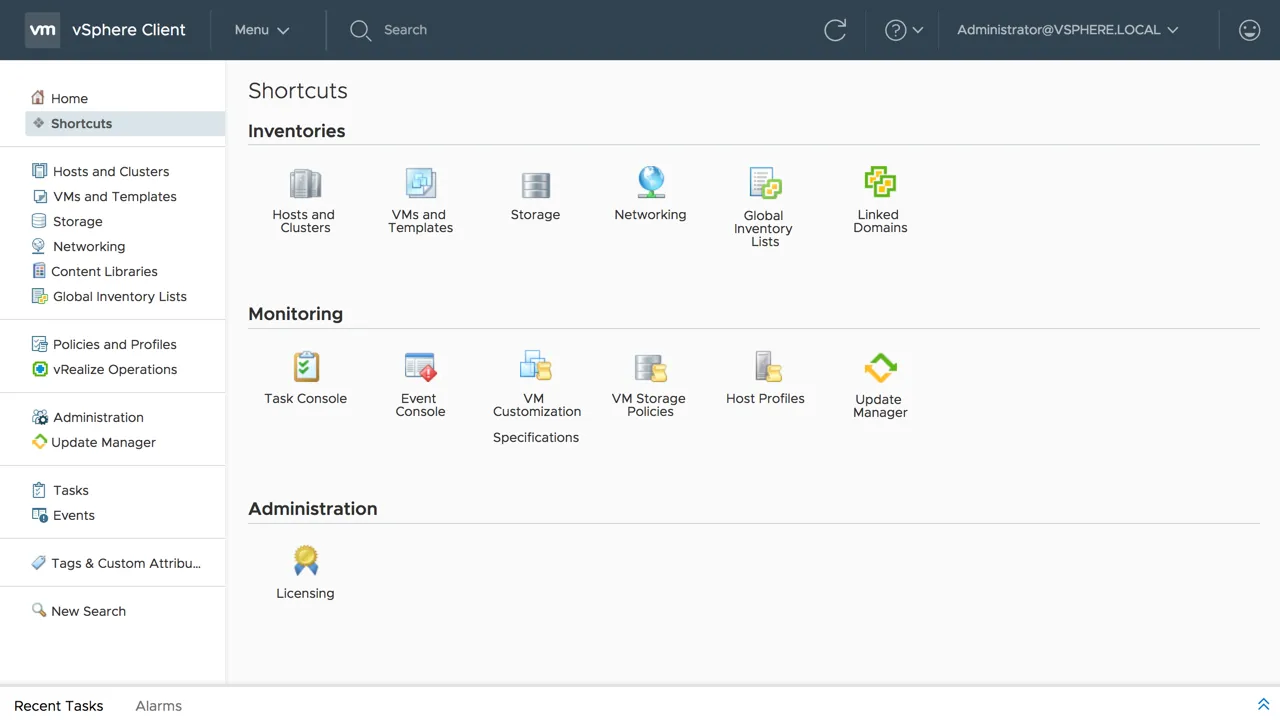
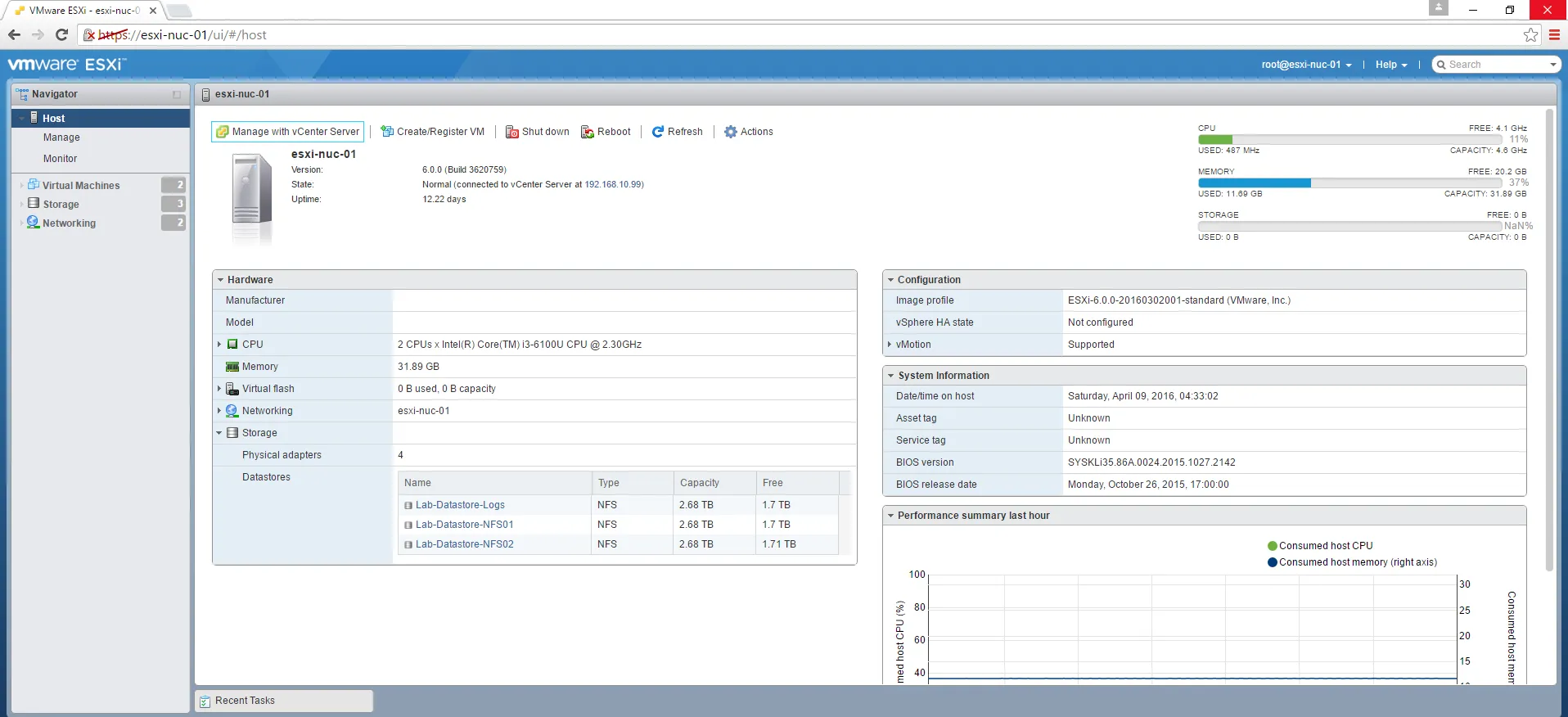
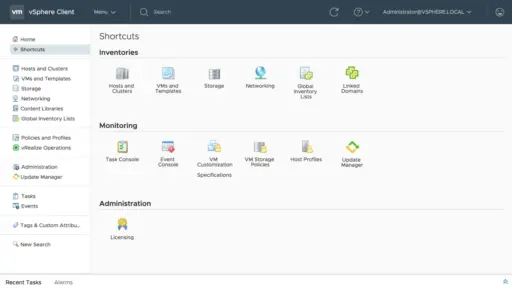


VMware vCenter Server 6 Standard is a comprehensive tool that offers centralized management for VMware vSphere environments. It is designed for enterprise-level virtualization that provides a scalable, extensible platform that manages your virtual infrastructure.
It has key capabilities that include live migration of virtual machines with vMotion, which offers automated load balancing with Distributed Resource Scheduler and quick recovery with High Availability. It also supports host profiles, templates, and Auto Deploy, which streamline the deployment of hosts.
Key Features:
- Centralized Management: It provides a centralized platform for managing VMware vSphere environments.
- Host and VM Management: In this feature, users get full support for lifecycle management of ESXI hosts and virtual machines.
- VMotion and Storage vMotion: Through this feature, users can enable live migration of VMs and their disk files without downtime.
- vSphere Distributed Resource Scheduler(DRS): Through this feature, users can balance workloads for performance and efficiency.
- VSphere Update Manager: Users can automate patch management for ESXI hosts and virtual appliances.
- Linked Mode: It allows users to manage the management of vCenter Server instances from a single interface.
- vCenter Web Client and HTML5 Client: Through these features, users can manage the interfaces of vSphere environments.
Why Buy From Us?
- We provide 100% genuine and authentic licenses, ensuring compliance, access to updates, and support from VMware.
- We provide expert guidance to our users to choose the right license model and deployment option.
- We provide budget-friendly prices according to the offer volume discounts.
- We provide the best support to our customers to help them install, configure, and optimize vCenter for peak performance.
- We help users upgrade and execute to vCenter 7 or 8 smoothly and securely.
Redemption Guide:
- Firstly, purchase the software.
- After purchasing the software, you have to log in to your account. If you don’t have an account, just create one and follow the prompts to register.
- After logging enter your license key from your purchase confirmation mail.
- Enter the code in the License Activation Code field and click Continue.
- Review the product name and confirm the product details.
- After it accepts the EULA, read and accept VMware’s End User License Agreement.
- Download and access the License key. Once you activate the link, you will receive a downloadable link.
Comparison Table:
| Features | Essentials | Foundation | Standard |
| Max Number of Hosts | 3 | 4 | Unlimited |
| vSphere High Availability | No | Yes | Yes |
| vSphere vMotion | No | Yes | Yes |
| vSphere Distributed Resource Scheduler | No | No | Yes |
| vSphere Update Manager | No | Yes | Yes |
| Linked Mode Support | No | No | Yes |
| vCenter Web Client | Yes | Yes | Yes |
| Centralized Management | Yes | Yes | Yes |
| Backup & Restore Capabilities | Basic | Standard | Advanced |
| Target Users | Small offices | Small to medium businesses | Medium to large enterprise |
| vCenter API | No | Limited | Full |
FAQs:
What is VMware vCenter Server 6 Standard?
VMware vCenter Server 6 Standard is the best management platform for managing VMware vSphere environments. It provides advanced features like vMotion and high availability.
Is vCenter Server 6 still supported?
It ended general support for vCenter Server 6.
Can I manage multiple ESXi hosts with one vCenter license?
Yes, it supports and manages unlimited ESXi hosts, provided they are properly licensed.


Reviews
Clear filtersThere are no reviews yet.