🔑 Software keys sent via WhatsApp or E-mail within 24 hours (1 Day) ! ⏳ If not received, Contact us! ! 📬

 Recently Updated
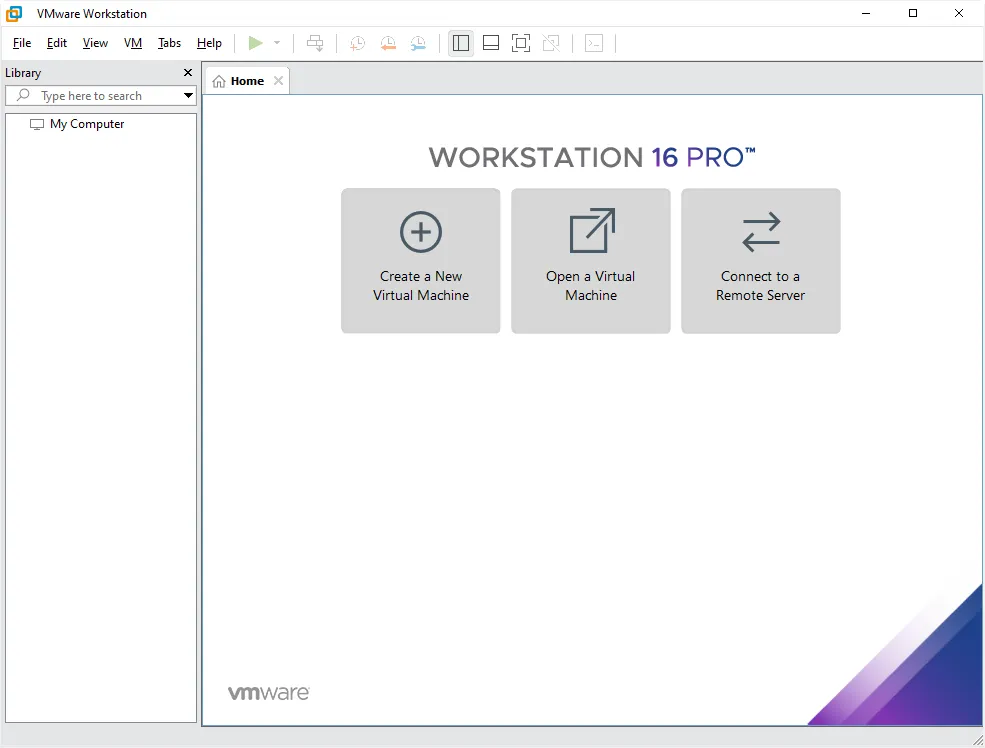
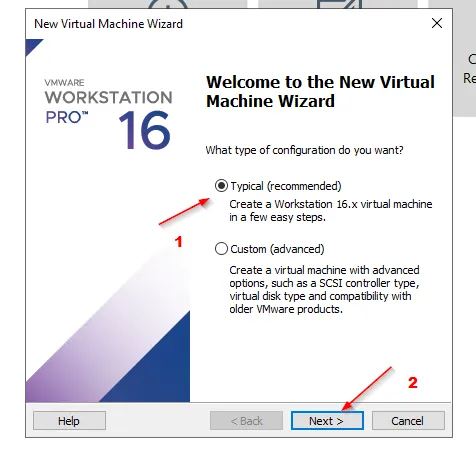
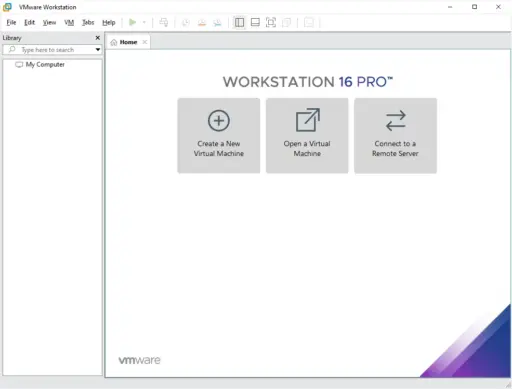


VMware Workstation Pro 16 is a powerful desktop virtualization tool that professionals use to run multiple operating systems on the same Windows PC. Developers, IT managers, and technical users can utilize it to create, test, and deploy software in various environments without impacting their primary systems.
Many people believe that this program is the best for virtualizing desktops. Workstation Pro 16 lets you do everything from one device safely and efficiently, whether you’re creating cross-platform apps, testing networked software, or exploring new operating systems. Users can register and use the product without needing to pay repeatedly, thanks to a one-time lifetime license.
Key Features:
- Run Multiple Operating Systems: Use a single Windows PC to start up and run multiple virtual machines.
- Support for the Latest OS: It works with the latest versions of Windows and Linux, both as guests and hosts.
- 3D Graphics Acceleration: Supports DirectX 11 and OpenGL 4.1 for enhanced rendering and improved performance in graphics-intensive applications.
- Dark Mode Interface: The dark mode interface features a modern user interface and a dark style, making it more comfortable and less taxing for the eyes.
- Hyper-V Support: Works with Windows 10 versions 2004 and later when Hyper-V is turned on.
- Container and Kubernetes Integration: features a built-in command line tool called vctl for managing containers and Kubernetes clusters.
- Snapshots and Clones: You can copy or save the current state of a VM for testing, backups, or release.
- Advanced Networking: Utilize NAT, bridging, and custom tools to establish intricate virtual networks.
- USB & Peripheral Support: You can use USB devices, printers, and external storage in virtual machines.
- Secure Environment: Keep virtual machines separate from each other and the host to ensure testing settings are secure.
Why Buy From Us?
- Lifetime License: One payment, and you own it forever; there are no yearly fees.
- Verified and legal products: software that is 100% real and original.
- Affordable Pricing: You can obtain a full version at a fair price.
- Helpful Support: If you need help with installation or registration, contact our team. We promise to respond to you promptly.
Device Requirements:
- Processor: 1.3GHz or faster 64-bit CPU (launched in 2011 or later)
- RAM: Minimum 2 GB (4 GB or more recommended)
- Disk Space: Minimum 1 GB for installation (more needed for virtual machines)
- Operating System:
- Windows 10
- Windows Server 2019, 2016, 2012
- Windows 8
- Ubuntu
- Red Hat Enterprise Linux
- CentOS
- Oracle Linux
- openSUSE
- SUSE Linux Enterprise Server
Redemption Guide:
All of Elements Keys’ license deliveries are done online. We do not offer hard copies. How it works:
- Your license key and installation directions will be sent to you via WhatsApp or email once your order is confirmed.
- This process is quick, safe, and easy.
- If you have any problems, our team is here to help you set up and activate your account.
Step-by-Step Instructions on How to Redeem and Activate:
- Download VMware Workstation Pro 16: Visit the official VMware website or use the link we sent you via WhatsApp or email.
- Install the Software: Open the setup file you downloaded and follow the on-screen instructions to complete the installation.
- Launch the Application: After setting up VMware Workstation Pro 16, you can open it from the Start menu or your desktop.
- Enter the License Key: Type in the authentication key you received from Elements Keys when prompted.
- Complete the Setup: Once you enter the key, the software will be enabled and ready to use for life.
- Begin Creating Virtual Machines: Create virtual worlds on your PC and run them.
Comparison Table: Workstation Pro 16 vs Workstation Player 17:
| Feature | Workstation Pro 16 | Workstation Player 17 |
|---|---|---|
| Multiple VM Instances | Yes | Limited to 1 VM at a time |
| Snapshot and Clone Capabilities | Yes | No |
| Advanced Networking | Yes | Basic |
| Container & Kubernetes Support | Yes (via vctl) | No |
| Commercial Use | Yes | Requires separate license |
| Interface | Full-featured UI with dark mode | Basic UI |
| Intended Users | IT Pros, Developers, Enterprises | Home Users, Students |
FAQs
Can I use VMware Workstation Pro 16 on multiple devices?
It’s only suitable for one gadget, though. For each additional device, a separate license is required.
Is this a lifetime license or do I need to renew annually?
The license is suitable for life. You only pay once.
How do I receive the software and license key?
The software link and access key will be sent to your WhatsApp or email after you buy it.
Is this version compatible with Windows 11?
Workstation Pro 16 indeed works with Windows 10. VMware recommends using the most recent version of Windows 11, but older versions may still be compatible for simple tasks.


Reviews
Clear filtersThere are no reviews yet.