🔑 Software keys sent via WhatsApp or E-mail within 24 hours (1 Day) ! ⏳ If not received, Contact us! ! 📬

 Recently Updated
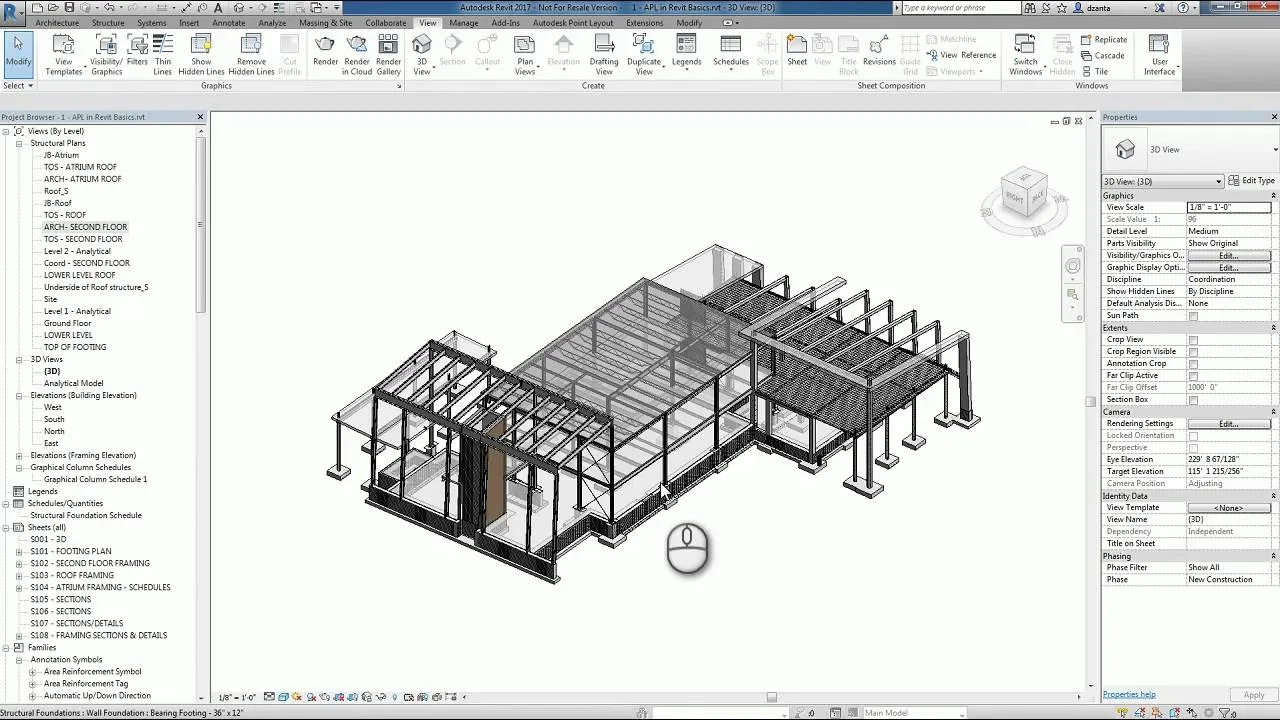
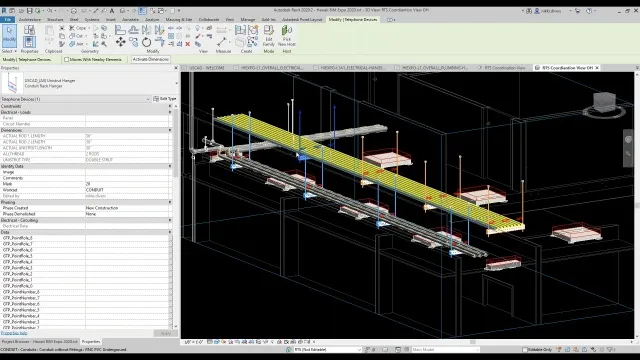
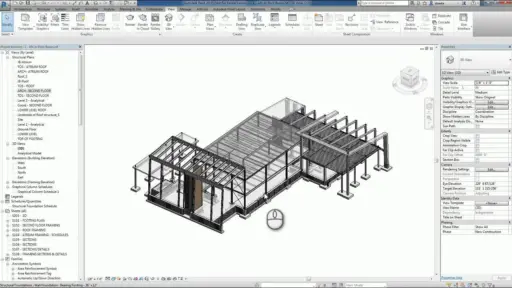
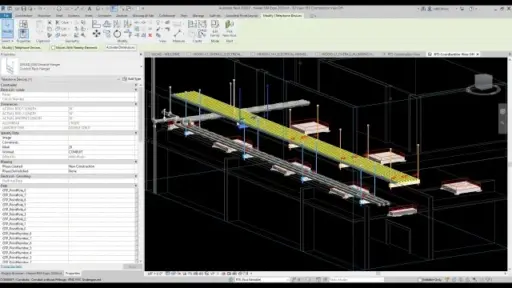


Autodesk Point Layout is a specialized construction software that enhances accuracy and efficiency in the field layout workflows by connecting its digital design model directly with the on-site layout tool. This enables architects, engineers, and contractors to generate an exact layout point in Autodesk AutoCAD, Revit, and Navisworks, which helps eliminate manual errors and rework. With powerful point placement and management devices, this robot simplifies the transfer of model-based data from total stations and GPS devices, such as field instruments. BIM is ideal for construction projects, ensuring seamless coordination between point layout design and field execution, supporting productivity, and better construction accuracy.
Key Features:
- Seamless Integration: Works directly within the AutoCAD, Autodesk Revit, and Navisworks environments for streamlined point placement and coordination.
- Automatic point construction: automatically produces layout points based on model elements such as walls, pipes, columns, and grid intersections.
- Field data exports/imports: Robotic supports easy data transfer from total stations and GPS devices.
- Real-time coordination: field-to-model enables clash-free layout by comparing model data with field information.
- Custom Point Management: allows mark tagging, grouping, and filtering for better organization and workflow control.
- BIM-to-Shield: The model in the accuracy field: layout functions maintain precision, reduce expensive errors, and improve workflow.
- The flexible point report: QA/QC and the customizable reports for project tracking generate and produce documentation.
- Multi-device support: User sign-in access is licensed for use on three devices per user.
Why Buy From Us?
- Real Software Guarantee: We provide a 100% authentic Autodesk license with full membership benefits.
- Competitive pricing: Get the best price with an exclusive proposal and an exemption on the commercial license.
- Expert support: Our team guides you through installation, activation, and technical setup.
- Flexible Payment Options: Choose from many safe payment methods to suit your convenience.
- After-sales service: Benefits with the help provided during your membership period.
- Reliable reseller: We are a reliable and authorized Autodesk partner with a proven track record.
Redemption Guide:
Your license details and installation instructions for Autodesk Point Layout will be sent to you via WhatsApp or email after you buy it from Elements Keys.
Step-by-Step Instructions for Activation:
- Check your email or WhatsApp: The license details will be sent via Email or WhatsApp. Please share your registered Autodesk email with us so we can assign the license directly to your account.
- Download the software: Select the version (2023, 2024, 2025, 2026, or 2027) that is compatible with your Mac/PC.
- Install Point Layout: To run the software, follow the on-screen instructions.
- Activation: Log in with your Autodesk credentials to activate the Autodesk Software.
- Start using the software: Your subscription is valid for 1/ 3 years from the date it is enabled.
Our support team is available to assist you at any time if you need help.
Comparison Table:
| Feature | 1-Year Subscription | 3-Year Subscription | Monthly Subscription |
| License Type | Commercial Named User | Commercial Named User | Commercial Named User |
| Device Access | Up to 3 devices (1 user active at a time) | Up to 3 devices (1 user active at a time) | Up to 3 devices (1 user active at a time) |
| Access to Updates | Included | Included | Included |
| Supported Platforms | Windows (Mac via Boot Camp/Virtualization) | Windows (Mac via Boot Camp/Virtualization) | Windows (Mac via Boot Camp/Virtualization) |
| Software Version Access | Current + 3 previous | Current + 3 previous | Current version only |
| Cloud Services | Included | Included | Included |
| Technical Support | Standard Autodesk Support | Standard Autodesk Support | Standard Autodesk Support |
| Cost Efficiency | Moderate | Best Value Over Time | Most Expensive Over Time |
| Ideal For | Medium-term projects | Long-term use, budget planning | Short-term or trial use |
If you’re planning long-term construction layout and field coordination workflows, upgrade to the Autodesk Point Layout 3-Year Commercial License for extended access and better overall value.
Explore More Autodesk Products:
- By Student License: Autodesk Structural Bridge Design, Autodesk Netfabb Premium, Autodesk PowerShape
- By Commercial License: Autodesk Structural Bridge Design, Autodesk Netfabb Premium, Autodesk PowerShape
FAQs:
Autodesk Point Layout is used to create, manage, and export accurate layouts directly from BIM and CAD models. It integrates the field layout functions by integrating with total stations and GPS hardware.
There is no native Mac version. However, it can be used through virtualization software or Boot Camp running Windows on the MAC system.
You can install software on three devices, but only one user can be signed in at any time.


Reviews
Clear filtersThere are no reviews yet.